Why ERP Experience Matters for Modern Business Growth

Discover how ERP experience helps businesses streamline operations, improve decision-making, and support sustainable growth through integrated enterprise technology.
Why ERP Experience Matters for Modern Business Growth
As businesses grow, managing operations becomes increasingly complex. What once worked through spreadsheets, emails, and separate software applications may eventually create delays, inconsistent information, communication gaps, and unnecessary administrative work.
This is where Enterprise Resource Planning (ERP) becomes valuable.
ERP experience matters because understanding how to implement, customize, manage, and optimize ERP systems helps businesses connect their operations, improve productivity, and make informed decisions. The right ERP knowledge allows organizations to move beyond disconnected processes toward a more integrated and scalable business environment.
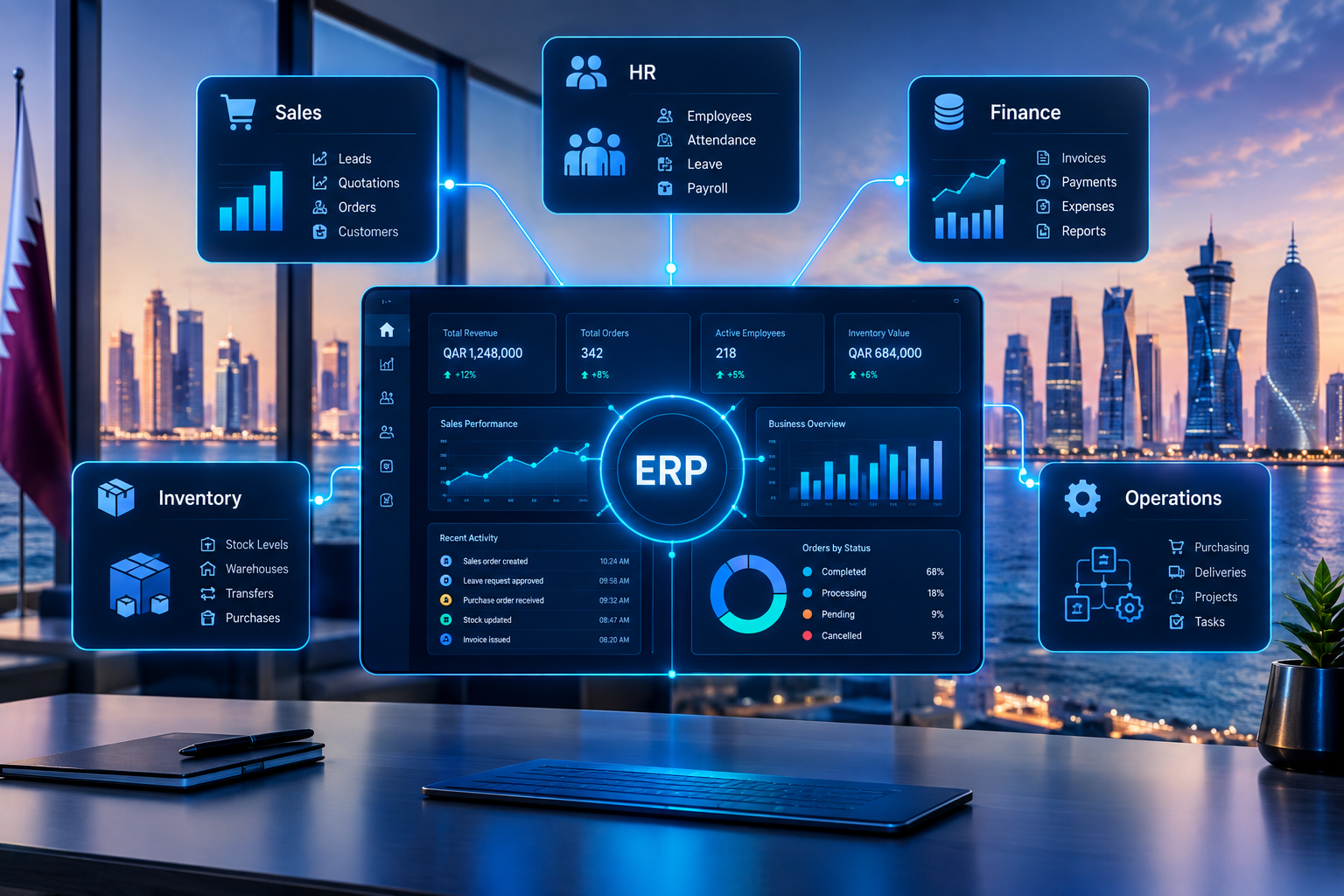
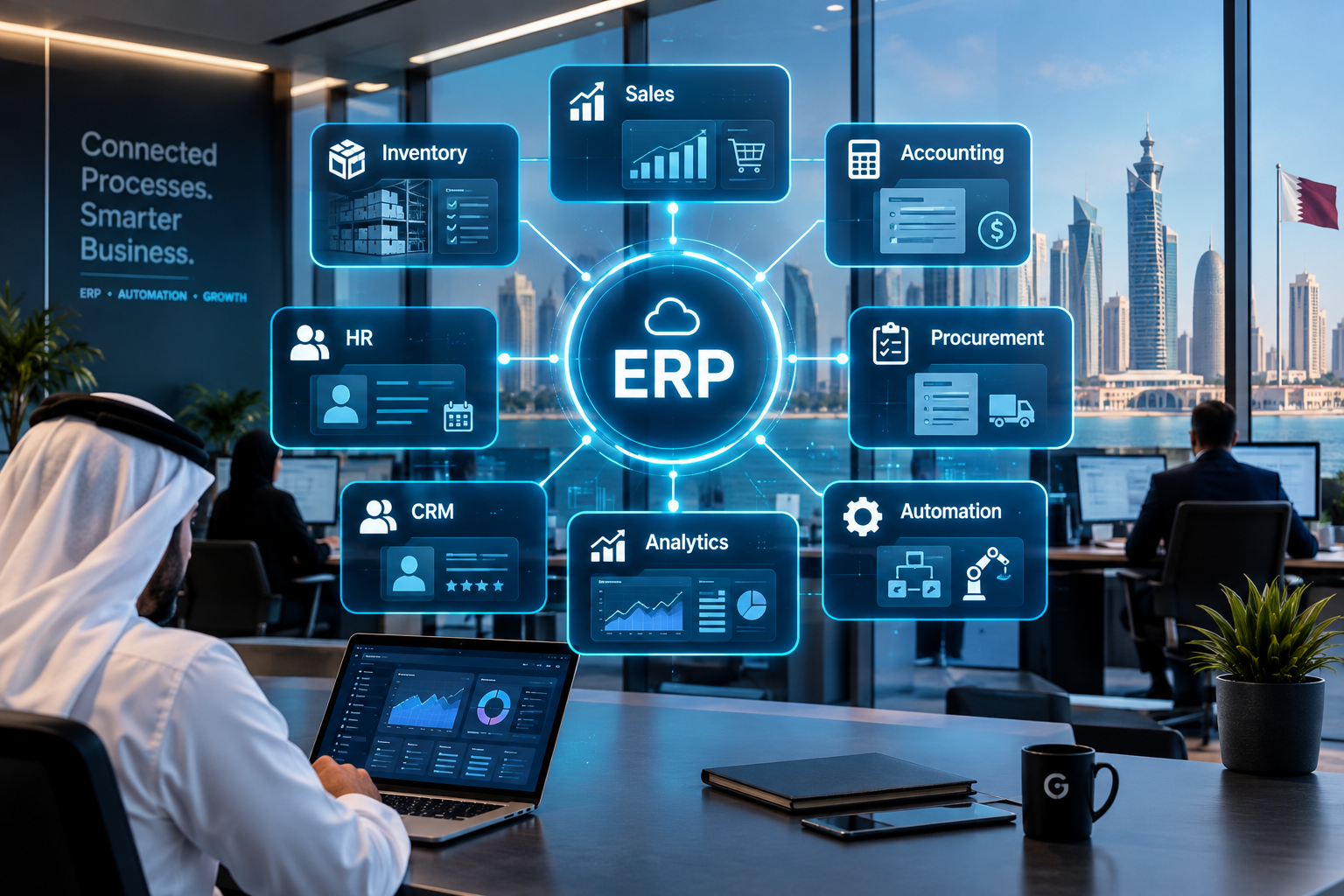
In 2026, ERP is no longer simply an accounting or inventory management tool. Modern ERP platforms connect finance, human resources, procurement, sales, customer management, supply chains, reporting, and automation within a coordinated digital ecosystem.
For growing companies, the real value of ERP experience lies in understanding how technology can support business objectives rather than simply introducing another software system.
This guide explains why ERP experience matters, how it contributes to business growth, which skills are valuable, and how organizations can make better ERP-related decisions.
What Is ERP Experience?
ERP experience refers to practical knowledge and expertise in working with Enterprise Resource Planning systems, including their implementation, configuration, customization, integration, management, and ongoing optimization.
It can involve different types of expertise depending on a person's role.
ERP Functional Experience
Functional ERP experience focuses on business processes and how they operate within an ERP system.
Common areas include:
Accounting and financial management
Inventory and warehouse management
Procurement and purchasing
Sales and order processing
Human resource management
Payroll administration
Manufacturing and production planning
Supply chain management
Customer relationship management
Business reporting and analytics
Professionals with functional experience understand how business departments work and how ERP workflows can support their requirements.
ERP Technical Experience
Technical ERP experience involves the development, configuration, and maintenance of the technology behind an ERP system.
It may include:
Database management
Software development
API integrations
System customization
Data migration
Cloud infrastructure
Application performance optimization
Security configuration
Workflow automation
System troubleshooting
Technical expertise helps organizations adapt ERP platforms to their operational needs while maintaining reliability and scalability.
ERP Implementation Experience
ERP implementation experience involves planning and delivering ERP projects from initial requirements to deployment and ongoing support.
This includes:
Business requirement analysis
Process mapping
ERP selection
Project planning
System configuration
Data migration
User training
Testing and quality assurance
Deployment
Change management
Post-implementation support
Successful ERP implementation requires coordination between business stakeholders, technical teams, management, and end users.
Why ERP Experience Matters for Modern Business Growth
ERP experience is important because business growth creates operational demands that require more than isolated software applications.
Organizations need coordinated workflows, accurate data, reliable reporting, and technology that can support increasing complexity.
Here are the major ways ERP experience contributes to sustainable business growth.
1. Improves Operational Efficiency
Operational efficiency is one of the most important advantages of ERP expertise.
Businesses often perform repetitive activities such as entering customer information, processing orders, preparing invoices, updating inventory, and generating reports.
When these activities are managed across disconnected systems, employees may have to enter the same information multiple times.
ERP experience helps identify opportunities to streamline these processes through integrated workflows and automation.
How ERP Improves Efficiency
An ERP system can help businesses:
Reduce duplicate data entry
Standardize business processes
Automate routine administrative tasks
Improve communication between departments
Reduce manual reporting
Streamline approval workflows
Make information easier to access
Practical Example
Consider a distribution company that receives customer orders through its sales team.
Without an integrated ERP system, employees may need to manually forward orders to the warehouse, confirm inventory, notify accounting, and update delivery records.
With an appropriately configured ERP system, these processes can become connected.
Customer order → Inventory verification → Order processing → Invoice generation → Delivery coordination → Financial reporting
ERP experience helps professionals design and manage these workflows according to the company's operational requirements.
The result can be less administrative work, improved coordination, and more time for employees to focus on valuable business activities.
2. Supports Better Business Decision-Making
Business decisions are only as reliable as the information used to make them.
When financial, sales, inventory, and operational data are stored in separate systems, management may struggle to obtain a complete picture of business performance.
ERP systems provide a more centralized environment for collecting and organizing business information.
Professionals with ERP experience understand how to configure reporting systems, dashboards, and business intelligence tools to support meaningful decisions.
Important Business Insights ERP Can Provide
Business area | Useful information |
|---|---|
Finance | Revenue, expenses, profitability, cash flow |
Sales | Orders, sales performance, customer trends |
Inventory | Stock levels, movement, shortages |
Procurement | Supplier performance, purchasing costs |
HR | Workforce information, attendance, payroll |
Operations | Productivity, process performance, delays |
Management | Business performance and growth indicators |
For example, a business manager can use ERP reports to identify which products generate the highest revenue, which expenses are increasing, and which inventory items require attention.
This makes it easier to evaluate opportunities and respond to operational challenges.
Microsoft explains that ERP systems connect business data and processes to support efficiency and informed decision-making. Organizations can explore its ERP overview and capabilities for additional information.
3. Enables Scalable Business Operations
A business that operates successfully with ten employees may require a different operational structure when it grows to fifty or several hundred employees.
Growth introduces additional complexity, including:
Higher transaction volumes
More customers and suppliers
Additional products and services
Multiple branches or warehouses
Larger teams
More approval requirements
Additional reporting needs
Greater financial responsibilities
ERP experience helps organizations prepare their systems for these changing requirements.
How ERP Supports Scalability
An appropriately designed ERP environment can support:
Additional users and departments
New business locations
Expanded product catalogs
More complex financial processes
Multi-warehouse inventory
Additional integrations
Centralized management reporting
Standardized operational workflows
The key is to select and configure a system that supports the organization's current requirements while allowing room for future expansion.
Businesses planning to expand their operations should consider ERP scalability early rather than waiting until existing systems become difficult to manage.
4. Strengthens Financial Management
Financial management becomes more complicated as businesses grow.
Companies must track revenue, expenses, supplier payments, customer invoices, budgets, taxes, and financial obligations while maintaining accurate records.
ERP experience helps professionals establish financial workflows that connect accounting with other operational activities.
Important ERP Financial Capabilities
General ledger management
Accounts payable
Accounts receivable
Financial reporting
Budgeting and forecasting
Expense management
Invoice processing
Payment tracking
Cash-flow monitoring
Financial reconciliation
Example: Connecting Sales and Finance
When a customer places an order, the ERP system can connect sales information with invoicing and accounting workflows.
This reduces the need for separate manual updates and can improve the consistency of financial records.
ERP expertise also helps organizations configure approval processes, financial controls, and reporting structures appropriate to their requirements.
5. Improves Inventory and Supply Chain Management
Inventory management is a major challenge for businesses dealing with products, manufacturing, distribution, retail, or warehousing.
Poor inventory visibility can lead to stock shortages, excess inventory, delayed orders, and unnecessary purchasing expenses.
ERP experience helps businesses coordinate inventory information with sales, purchasing, finance, and warehouse operations.
Inventory Management Benefits
An ERP system can support:
Real-time or timely stock visibility
Inventory tracking across locations
Stock movement records
Reorder notifications
Purchase order management
Supplier coordination
Demand planning
Warehouse reporting
Inventory valuation
Practical Example
A retailer notices that a popular product is selling faster than expected.
An integrated ERP system can help the business monitor inventory levels, review sales trends, and identify when replenishment may be necessary.
This can improve purchasing decisions and reduce the risk of stockouts.
For more information about ERP functionality, explore ERP modules every growing business should consider.
6. Reduces Operational Errors and Data Duplication
Manual processes can increase the likelihood of mistakes.
Common problems include:
Incorrect customer information
Duplicate records
Inconsistent inventory figures
Miscalculated invoices
Missing purchase orders
Incorrect financial entries
Outdated reports
ERP experience helps professionals identify the sources of these problems and configure systems that support accurate data management.
How ERP Helps Improve Accuracy
ERP systems can establish:
Standardized data entry procedures
Validation rules
Automated calculations
Centralized records
Controlled access permissions
Approval workflows
Audit trails
Consistent reporting formats
Although ERP does not eliminate every error, well-designed workflows can reduce unnecessary manual intervention and improve data consistency.
7. Strengthens Collaboration Between Departments
Business departments often depend on information from one another.
Sales needs inventory information. Finance needs transaction records. Procurement needs purchasing requirements. HR needs employee information. Management needs reports from multiple departments.
When departments use disconnected software, collaboration can become difficult.
ERP experience helps professionals connect these workflows so that departments can access appropriate information within a coordinated system.
Example of Cross-Department Collaboration
Department | ERP-related responsibility |
|---|---|
Sales | Customer orders and quotations |
Inventory | Stock availability |
Procurement | Purchasing and supplier coordination |
Finance | Invoicing and payment records |
Warehouse | Picking, packing, and dispatch |
Management | Performance monitoring |
When these departments use connected processes, information can flow more consistently throughout the organization.
8. Enhances Customer Experience
Customer experience is influenced by more than customer service conversations.
Customers also expect accurate orders, timely delivery, consistent communication, and reliable information.
ERP experience can help organizations improve these operational elements.
Customer Experience Improvements
Faster order processing
Accurate product availability
Better delivery coordination
More reliable invoices
Improved customer records
Consistent service information
Faster access to order status
Better coordination between sales and operations
For example, when customer service employees can access relevant order information through an integrated system, they may respond to customer questions more efficiently.
ERP does not replace customer relationship management. Instead, integrating ERP with CRM can help businesses connect customer interactions with operational information.
9. Supports Automation and Digital Transformation
Modern businesses are increasingly adopting automation to reduce repetitive work and improve operational consistency.
ERP experience helps organizations identify processes suitable for automation and understand how those processes should be implemented.
Examples of ERP Automation
Automatic invoice generation
Purchase order approvals
Employee attendance processing
Inventory alerts
Payment reminders
Sales reporting
Expense approvals
Supplier notifications
Workflow assignments
Data synchronization
Automation should be introduced where it improves efficiency without creating unnecessary complexity.
Organizations exploring broader technology modernization can also consider business software development solutions to connect ERP with their existing digital systems.
10. Helps Businesses Adapt to Market Changes
Markets change because of customer expectations, competition, supply chain conditions, technology, and economic factors.
Businesses need reliable information to identify changes and respond effectively.
ERP experience helps organizations develop systems that support:
Flexible reporting
Operational monitoring
Resource planning
Demand forecasting
Scenario analysis
Business process adjustments
System integration
Performance evaluation
For example, a company experiencing a sudden increase in customer orders may need to adjust procurement, inventory, staffing, and delivery schedules.
An integrated ERP environment can provide information that supports these adjustments.
ERP does not automatically predict every market change, but it can provide the operational foundation needed for better planning.
Essential ERP Experience and Skills Businesses Should Look For
ERP experience involves a combination of technical knowledge, business understanding, and practical implementation skills.
The required expertise depends on the organization and the ERP platform.
1. Business Process Understanding
ERP professionals should understand how departments operate and how business processes connect.
This includes knowledge of:
Finance and accounting
Sales and customer management
Inventory and procurement
HR and payroll
Supply chain operations
Manufacturing or project management, where applicable
Understanding the business is essential because ERP systems are designed to support workflows, not simply store information.
2. ERP Software Knowledge
Experience with ERP platforms can help organizations evaluate system capabilities and implementation requirements.
Examples of widely used ERP platforms include:
SAP
Microsoft Dynamics 365
Oracle NetSuite
Odoo
The appropriate platform depends on the business's size, operational needs, budget, integrations, and technical requirements.
3. Data Management Skills
ERP systems depend on accurate and consistent data.
Professionals should understand:
Data validation
Data migration
Database structures
Master data management
Data cleaning
Reporting accuracy
Data security
Poor data quality can undermine the value of an ERP implementation even when the software itself is capable.
4. Technical and Integration Skills
Technical ERP expertise may include:
APIs and web services
SQL and database management
Software customization
Integration architecture
Cloud technologies
System configuration
Troubleshooting
Performance optimization
These skills become particularly important when ERP must communicate with websites, mobile applications, payment systems, CRM platforms, or external business tools.
5. Project Management
ERP implementation often involves multiple stakeholders and departments.
Project management skills help teams coordinate:
Requirements gathering
Project schedules
Resource allocation
Risk management
Testing
Training
Deployment
Change management
Clear communication and realistic planning are essential to keeping ERP projects aligned with business objectives.
6. Training and Communication
ERP adoption requires employees to understand how the system affects their daily responsibilities.
Professionals with strong communication skills can help translate technical features into practical instructions, conduct training, and support users during implementation.
ERP Experience vs. Traditional Business Software Experience
ERP experience differs from experience with standalone applications because ERP connects multiple business processes within a broader system.
Aspect | Traditional standalone software | ERP experience |
|---|---|---|
Scope | Usually a specific function | Multiple business functions |
Data | Often separate databases | Shared or integrated data |
Workflows | Limited to individual processes | Cross-department workflows |
Reporting | Function-specific | Organization-wide insights |
Integration | May require separate connections | Designed for broader integration |
Business impact | Department-level | Potentially organization-wide |
Scalability | Depends on the application | Supports coordinated business expansion |
A standalone accounting application may solve a specific financial need.
ERP experience involves understanding how accounting connects with inventory, purchasing, sales, employees, and management reporting.
How Businesses Can Build Strong ERP Experience
Organizations do not need to transform every department simultaneously.
A structured approach helps them develop practical ERP capabilities while minimizing disruption.
Step 1: Evaluate Existing Business Processes
Begin by documenting how the company currently operates.
Identify:
Repetitive manual tasks
Disconnected applications
Data duplication
Reporting delays
Approval bottlenecks
Communication challenges
Existing software limitations
This assessment helps determine whether ERP is necessary and which processes require improvement.
Step 2: Define Business Goals
ERP implementation should support measurable business objectives.
Examples include:
Improving order processing
Reducing manual reporting
Increasing inventory visibility
Improving financial accuracy
Streamlining procurement
Strengthening management reporting
Clearly defined objectives help organizations evaluate whether ERP is delivering value.
Step 3: Select the Right ERP Solution
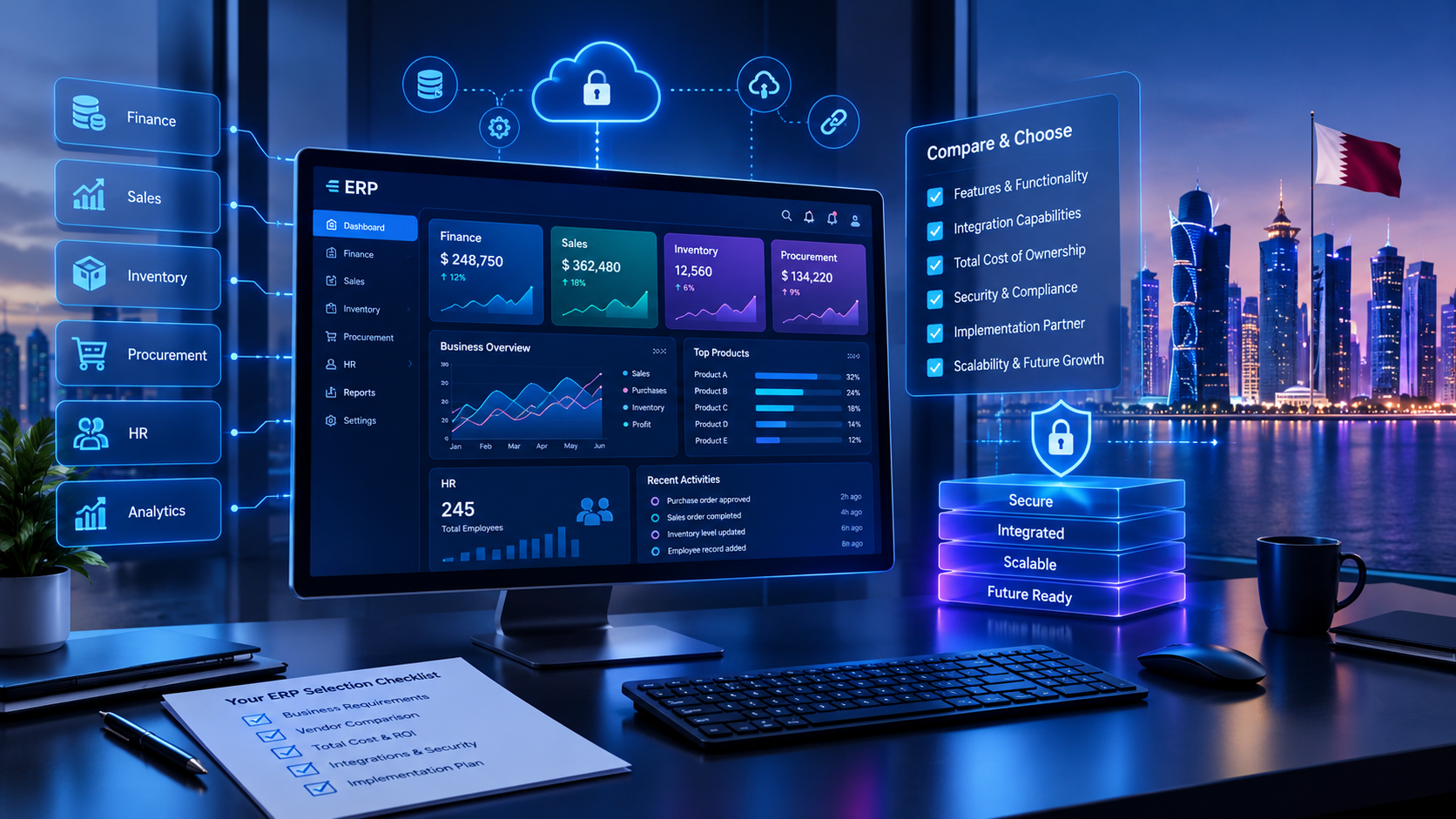
Businesses should compare ERP solutions according to their requirements rather than choosing based on popularity alone.
Important considerations include:
Business size and industry
Required modules
User experience
Integration capabilities
Customization requirements
Cloud or on-premises deployment
Security
Scalability
Implementation and maintenance costs
A solution that works for a large manufacturer may not be appropriate for a small service-based business.
Step 4: Plan Implementation Carefully
ERP implementation requires preparation.
Businesses should establish:
Project responsibilities
Implementation timelines
Technical requirements
Data migration strategy
Testing procedures
User training
Deployment plans
Support arrangements
A phased implementation may be suitable for organizations that want to introduce ERP gradually.
Step 5: Train Employees
Employees should understand how ERP affects their roles and daily workflows.
Training should include practical scenarios rather than focusing exclusively on software features.
For example, sales employees should understand how to process orders, check relevant information, and follow approval procedures.
Step 6: Monitor and Optimize
ERP implementation is not a one-time activity.
Businesses should regularly evaluate system performance, user feedback, reporting accuracy, security, and changing requirements.
Continuous improvement helps ERP remain aligned with business objectives.
Common ERP Implementation Challenges
ERP can deliver significant operational value, but implementation requires careful planning.
Resistance to Change
Employees may be comfortable with existing processes and reluctant to adopt new software.
Solution: Explain the purpose of ERP, involve employees in requirements gathering, and provide practical training.
Poor Data Quality
Incomplete, inconsistent, or duplicate records can create problems during migration.
Solution: Clean and validate data before importing it into the new system.
Unclear Requirements
Businesses sometimes select software before understanding their operational needs.
Solution: Document business processes and prioritize essential features before selecting an ERP platform.
Excessive Customization
Unnecessary customization can increase complexity, maintenance requirements, and implementation costs.
Solution: Use standard ERP capabilities wherever they meet business requirements and customize only when there is a clear business justification.
Insufficient Training
Employees who do not understand the system may continue using manual workarounds.
Solution: Provide role-based training, documentation, and ongoing support.
Integration Difficulties
Connecting ERP with existing systems can require additional technical planning.
Solution: Evaluate APIs, data structures, compatibility, security, and integration requirements before implementation.
How to Measure the Business Value of ERP Experience
ERP success should be evaluated through operational results rather than simply confirming that the software has been installed.
Businesses can establish baseline measurements before implementation and compare them with performance after deployment.
KPI | What it measures |
|---|---|
Order processing time | Efficiency of order workflows |
Inventory accuracy | Reliability of inventory records |
Invoice processing time | Financial process efficiency |
Reporting turnaround | Speed of management information |
Purchase order cycle time | Procurement efficiency |
Stockout frequency | Inventory availability |
Data entry error rate | Accuracy of business records |
Employee adoption | Usage of ERP workflows |
Operating cost per transaction | Process efficiency |
Customer order fulfillment | Reliability of delivery processes |
The appropriate KPIs depend on the business model.
A manufacturing company may focus on production planning and inventory performance, while a service business may prioritize project costs, billing, employee utilization, and customer management.
ERP Experience and Business Growth in Qatar
For businesses operating in Qatar, ERP experience can be particularly valuable when operations involve multiple departments, branches, suppliers, or customer groups.
Companies may need systems that support:
Financial management
Procurement and supplier coordination
Inventory and warehouse operations
HR and payroll
Customer management
Business reporting
Multilingual interfaces
Multiple locations
Integration with existing business applications
Qatar-focused ERP planning should also consider applicable tax, accounting, data protection, and industry-specific requirements. These requirements should be verified against current official guidance rather than assumed to be identical across all businesses.
ERP implementation should reflect the organization's actual operations and compliance responsibilities.
Businesses researching ERP options in Qatar can also explore ERP software in Qatar: how to choose the right solution for additional selection considerations.
The Role of AI in Modern ERP Systems
Artificial intelligence is expanding the capabilities of modern ERP platforms.
AI can support ERP processes by analyzing data, identifying patterns, automating selected tasks, and providing predictive insights.
AI Applications in ERP
Demand forecasting
Inventory optimization
Financial anomaly detection
Intelligent document processing
Predictive maintenance
Automated data extraction
Conversational reporting
Workflow recommendations
Customer demand analysis
For example, AI-assisted forecasting may help a business evaluate historical sales patterns and estimate future inventory requirements.
However, AI outputs should be validated, particularly when they influence financial, operational, or compliance-related decisions.
ERP experience increasingly involves understanding how AI can complement established business workflows while preserving appropriate controls, data quality, and human oversight.
ERP Experience and Custom Software Development
Not every organization can achieve its goals through standard ERP functionality alone.
Some businesses require specialized workflows, industry-specific modules, unique reporting, or integrations with existing systems.
Custom software development can complement ERP by extending its functionality or connecting it with other business applications.
When Custom ERP Development May Be Appropriate
Existing ERP systems cannot support specialized workflows
Business processes require unique functionality
Multiple applications need coordinated integration
Industry-specific requirements demand tailored solutions
Management requires specialized reporting
Existing software creates operational limitations
A customized solution should be based on clearly defined requirements and a realistic assessment of development, maintenance, security, and scalability.
Organizations seeking tailored business technology can explore custom software development services by Galaxium Coding.
The Future of ERP Experience in 2026 and Beyond
ERP systems continue to evolve as organizations adopt cloud platforms, AI, automation, and connected business applications.
Several trends are influencing ERP expertise.
Cloud-Based ERP
Cloud ERP allows organizations to access business systems through internet-connected environments, depending on deployment and security configurations.
It can support flexibility, remote access, infrastructure management, and scalable operations.
AI-Driven Business Insights
AI capabilities are expanding the ways businesses analyze ERP information and automate selected workflows.
Professionals will increasingly need to understand AI integration, data quality, governance, and responsible automation.
Connected Digital Ecosystems
ERP systems are becoming part of broader technology environments involving CRM, e-commerce, mobile applications, business intelligence, and cloud services.
Integration knowledge is increasingly valuable because organizations need connected processes rather than isolated applications.
Automation and Intelligent Workflows
Businesses are exploring ways to automate repetitive activities while improving process visibility and control.
ERP experience will involve identifying suitable automation opportunities and evaluating their operational impact.
Greater Focus on Data Governance
As ERP systems become more connected, businesses must maintain data accuracy, access controls, security, and appropriate governance.
Reliable data remains essential for reporting, automation, and AI-driven capabilities.
Choosing an ERP Development and Implementation Partner
Selecting an ERP partner is an important business decision.
The right partner should understand both technology and the operational requirements of the organization.
What to Evaluate
Business understanding: Does the provider understand your industry, workflows, and operational challenges?
Technical capabilities: Can the team manage ERP configuration, integration, customization, and data migration?
Project planning: Are timelines, responsibilities, deliverables, and risks clearly defined?
Scalability: Can the proposed solution support future growth?
Security: Are appropriate data protection, access controls, and security practices included?
Training: Will employees receive sufficient guidance to use the system effectively?
Ongoing support: Is maintenance, troubleshooting, and future optimization available?
Communication: Does the provider explain technical requirements and implementation decisions clearly?
Businesses should compare providers based on their requirements, demonstrated capabilities, and project approach rather than relying solely on marketing promises.
Final Thoughts
ERP experience matters for modern business growth because it connects technology with the practical realities of running an organization.
The right expertise helps businesses improve operational efficiency, manage financial information, coordinate departments, automate workflows, maintain data accuracy, and prepare for expansion.
However, successful ERP adoption is not simply about selecting software with the greatest number of features.
It requires understanding business processes, identifying operational challenges, choosing appropriate technology, implementing it carefully, and continuously improving the system.
As organizations embrace cloud computing, AI, automation, and digital transformation in 2026, ERP experience will remain an important capability for building connected, efficient, and scalable business operations.
For organizations planning ERP implementation, integration, or custom business software, contact Galaxium Coding to discuss your business requirements and explore suitable technology solutions.
Frequently Asked Questions
What does ERP experience mean?
ERP experience refers to practical knowledge of enterprise resource planning systems, including implementation, configuration, integration, customization, data management, and ongoing support.
Why is ERP experience important for business growth?
ERP experience helps businesses connect departments, improve operational efficiency, streamline workflows, access accurate information, and manage increasing operational complexity.
What skills are required for ERP experience?
Important skills include business process understanding, ERP software knowledge, data management, system configuration, technical integration, project management, communication, and troubleshooting.
Is ERP experience necessary for small businesses?
ERP experience can be valuable when small businesses begin experiencing operational challenges caused by disconnected applications, manual processes, or increasing transaction volumes. The system should match the business's actual requirements.
How does ERP improve business efficiency?
ERP can improve efficiency by connecting workflows, reducing duplicate data entry, automating repetitive tasks, standardizing processes, and providing more accessible business information.
What is the difference between ERP functional and technical experience?
Functional experience focuses on business processes, workflows, and department requirements. Technical experience focuses on system configuration, databases, programming, integrations, and software architecture.
Which ERP software is commonly used by businesses?
Common ERP platforms include SAP, Microsoft Dynamics 365, Oracle NetSuite, and Odoo. The appropriate choice depends on business requirements, industry, budget, and scalability needs.
Can ERP experience help with digital transformation?
Yes. ERP experience helps organizations integrate core business processes and connect ERP with other digital technologies, including CRM, cloud platforms, mobile applications, automation, and analytics.
How long does ERP implementation take?
Implementation timelines depend on system complexity, number of modules, data migration, integrations, customization, testing, and employee training. A smaller implementation may take less time than a large enterprise project.
What should businesses consider before implementing ERP?
Businesses should evaluate operational needs, current workflows, data quality, software requirements, integrations, scalability, security, implementation costs, employee training, and long-term support.