Best Health Apps: Features, Technology, and Benefits for Users
Explore the best health apps and the technology behind modern digital healthcare, fitness tracking, and personalized wellness experiences.
Best Health Apps: Features, Technology, and Benefits for Users
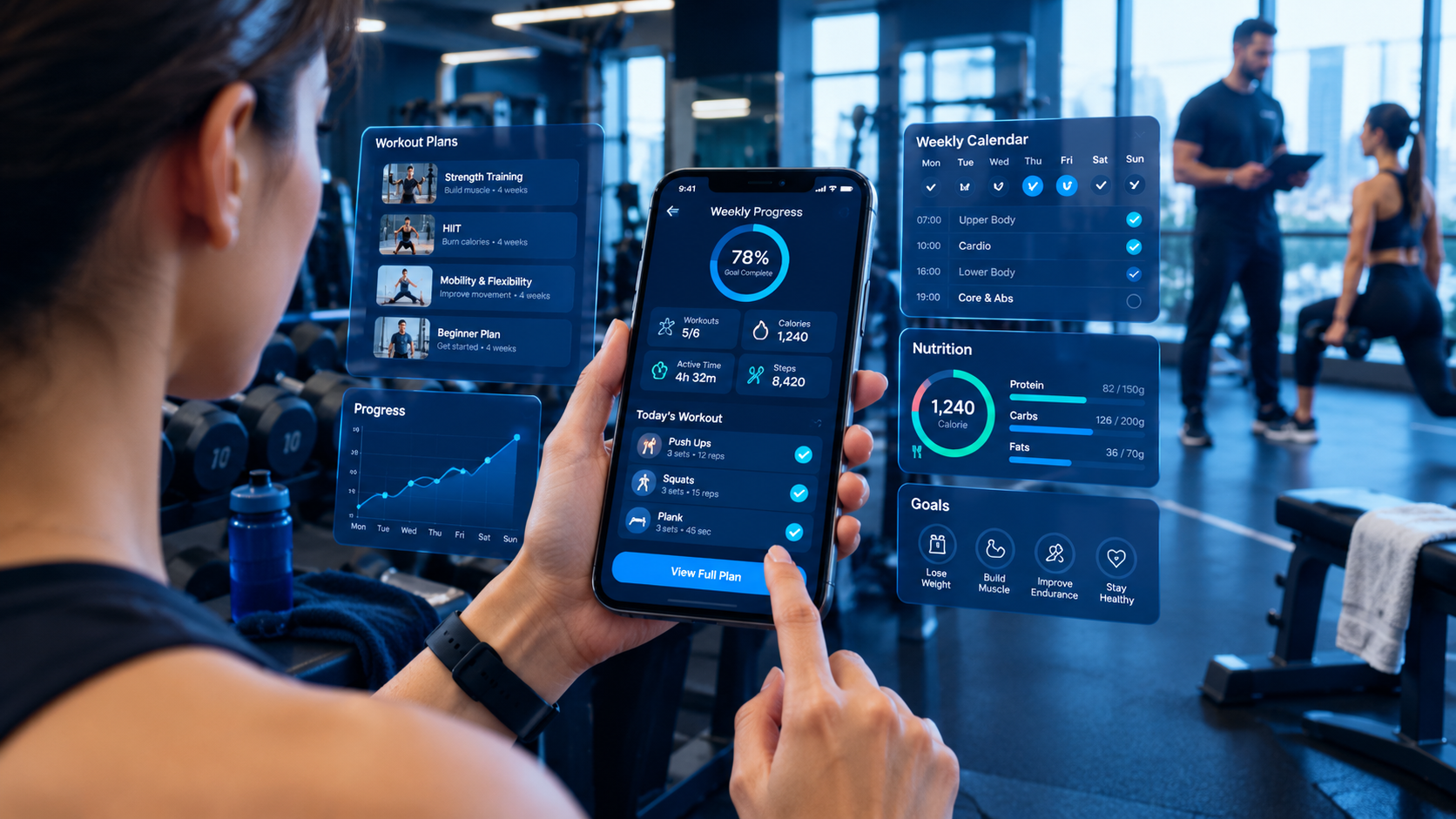
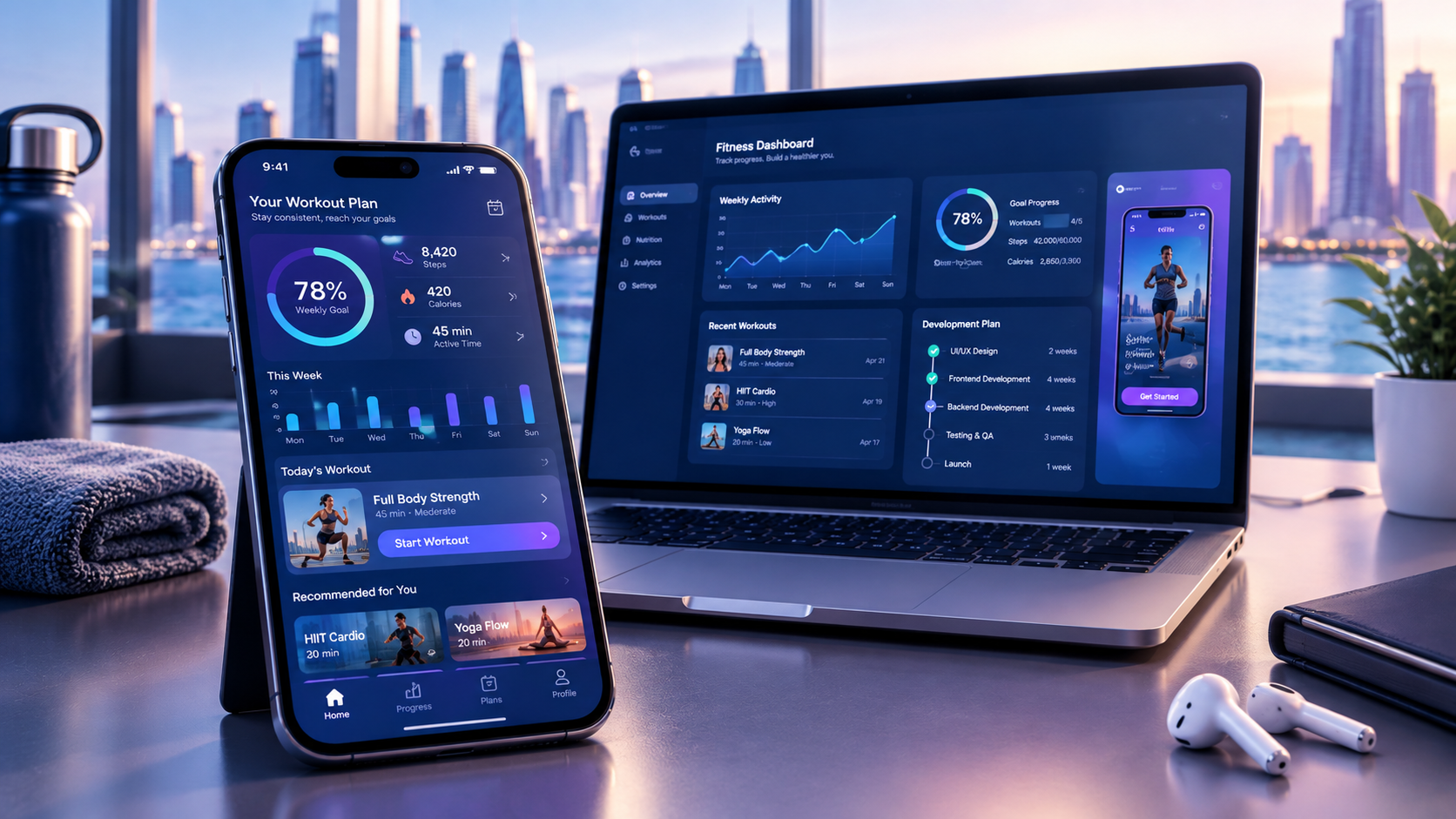
Health apps have transformed how people manage their fitness, monitor daily activities, track nutrition, and access healthcare information. Instead of relying entirely on manual records or occasional health checkups, users can now access a wide range of digital health tools directly from their smartphones.
From fitness tracking and meditation to medication reminders and virtual consultations, the best health apps help users build healthier routines and manage important health information more conveniently.
However, not every health app serves the same purpose. Some applications focus on physical activity, while others support mental wellness, nutrition planning, or healthcare service delivery. Choosing the right app depends on individual goals, device compatibility, privacy preferences, and the features available.
For businesses, the growing demand for digital health solutions also creates opportunities to develop applications that address specific healthcare needs.
In this guide, we explore the best health apps, their essential features, the technologies behind them, and the benefits they offer users. We also explain what businesses should consider when planning healthcare app development in 2026.
What Are Health Apps?
Health apps are mobile or web applications designed to help users monitor, manage, or improve different aspects of their health and wellness.
These applications can collect information from smartphones, wearable devices, connected medical equipment, or user-entered records. Depending on their purpose, they may provide activity tracking, health reminders, personalized recommendations, educational resources, or communication with healthcare professionals.
Health apps generally fall into several categories:
Fitness apps: Track exercise, physical activity, workouts, and progress.
Nutrition apps: Help users record meals, monitor nutrients, and manage eating habits.
Mental wellness apps: Provide meditation, relaxation exercises, and stress-management resources.
Sleep tracking apps: Monitor sleep patterns and support healthier sleep routines.
Medication management apps: Help users organize prescriptions and medication schedules.
Healthcare service apps: Support appointment booking, telemedicine, patient records, and communication with healthcare providers.
The best health apps combine useful functionality with a simple user experience, reliable data handling, and clear limitations regarding medical advice.
Best Health Apps in 2026
The best health app depends on what a user wants to achieve. An application designed for nutrition tracking may not be the best option for sleep monitoring or medication management.
Here are some popular health and wellness applications and the purposes they serve.
1. Apple Health — Best for Centralized Health Tracking
Apple Health is a health-data platform for iPhone users that brings compatible health information together in one place.
The application can collect data from an iPhone, Apple Watch, and compatible third-party applications or devices. Users can review activity, health records, and other supported information through a centralized interface.
Key features:
Health data organization
Step and walking-distance tracking
Compatible wearable data integration
Health records and medication-related features
Activity and wellness information
Health data sharing options
Apple Health is particularly useful for people who already use Apple devices and want to organize their health information.
Its main advantage is its ability to bring information from different sources into a single dashboard rather than requiring users to open multiple applications.
Learn more through Apple's official Health app guide.
2. Google Health and Fitbit — Best for Wearable-Based Health Tracking
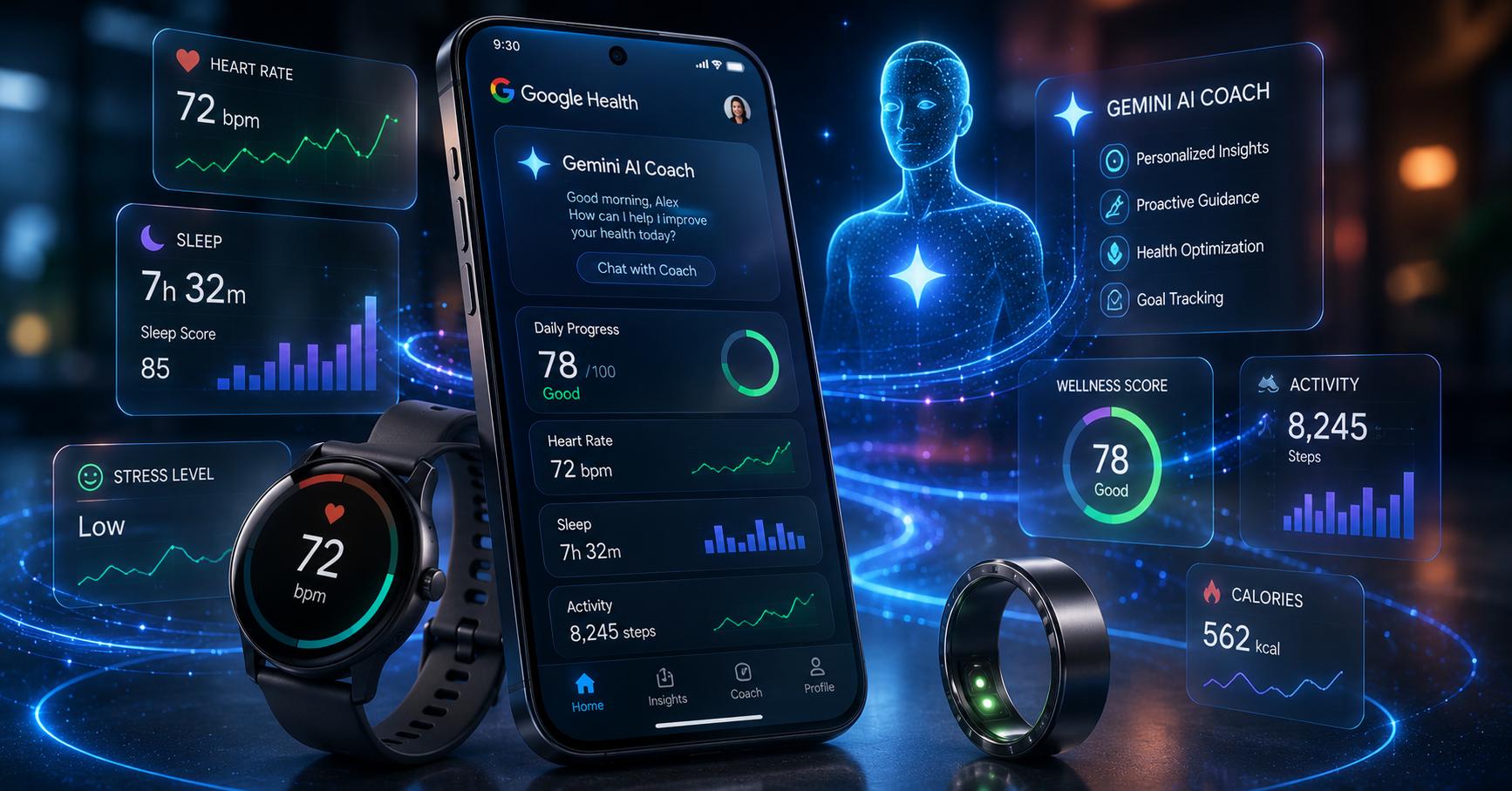
Google Health and the Fitbit ecosystem provide tools for users who want to monitor activity, exercise, and supported health metrics through compatible devices.
The Fitbit application can work with supported fitness trackers and smartwatches to provide information about physical activity and other wellness measurements.
Key features:
Daily activity tracking
Exercise and workout records
Sleep tracking with compatible devices
Heart-rate information where supported
Activity goals and progress
Wearable device integration
These applications are useful for people who want to understand their daily activity patterns and develop consistent fitness habits.
Available features may differ depending on the device, subscription, country, and software version.
3. MyFitnessPal — Best for Nutrition and Calorie Tracking
MyFitnessPal is a nutrition-focused application that helps users record food consumption and monitor their eating habits.
Users can log meals, review estimated calorie intake, and track nutritional information. The application also supports fitness-related integrations and other tools depending on the available plan.
Key features:
Food and meal logging
Calorie tracking
Macronutrient monitoring
Food database
Nutrition progress reports
Exercise and activity integration
MyFitnessPal can help users become more aware of their eating habits. However, food databases and calorie estimates may not always be perfectly accurate.
Users with medical nutrition requirements should seek guidance from qualified healthcare professionals rather than relying solely on an application.
4. Strava — Best for Running and Cycling
Strava is a fitness application designed for people who participate in activities such as running, cycling, walking, and other supported sports.
It combines activity tracking with social features that allow users to share workouts and interact with other athletes.
Key features:
GPS-based activity tracking
Running and cycling records
Workout history
Performance analysis
Community interaction
Activity sharing and challenges
Strava is particularly useful for users who enjoy outdoor activities and want to monitor their performance over time.
Its social features can also encourage consistency by allowing users to participate in challenges and connect with other fitness enthusiasts.
5. Headspace — Best for Mental Wellness
Headspace is a mental wellness application that offers guided meditation, mindfulness exercises, and sleep-related content.
It is designed to help users develop relaxation routines and manage everyday stress.
Key features:
Guided meditation
Mindfulness exercises
Sleep-related audio content
Relaxation sessions
Structured wellness programs
Daily practice reminders
Headspace can support general wellness and relaxation. It is not a substitute for professional mental healthcare, therapy, or emergency assistance.
6. Calm — Best for Relaxation and Sleep Support
Calm is another popular wellness application focused on meditation, relaxation, and sleep-related content.
The application offers audio experiences and guided exercises that users can incorporate into their daily routines.
Key features:
Meditation sessions
Relaxation audio
Sleep stories
Breathing exercises
Mindfulness content
Stress-management resources
Calm may be suitable for people who prefer audio-based relaxation and want a simple way to establish a bedtime or mindfulness routine.
7. Medisafe — Best for Medication Management
Medisafe is a medication management application designed to help users organize medication schedules and reminders.
It can be useful for people managing multiple medications or supporting a family member with medication routines.
Key features:
Medication reminders
Medication schedule management
Refill reminders
Medication tracking
Health measurement records
Caregiver-related support features
Medication applications should be used carefully. Users must verify medication names, dosages, and schedules with their healthcare professionals.
An application reminder does not determine whether a medication is appropriate or whether a dosage should be changed.
8. Flo — Best for Menstrual Cycle Tracking
Flo is a reproductive health application that helps users track menstrual cycles and related symptoms.
It offers tools for recording cycle information and reviewing patterns over time.
Key features:
Menstrual cycle tracking
Period predictions
Symptom logging
Cycle history
Educational resources
Pregnancy-related tracking options
Flo can help users organize personal cycle information. However, cycle predictions are estimates and should not be treated as a guaranteed method of contraception or a medical diagnosis.
Because reproductive health information is sensitive, users should also review an application's privacy settings and data-handling practices.
Health App Comparison Table
Health App | Main Purpose | Key Benefit |
|---|---|---|
Apple Health | Health data organization | Centralized health information |
Google Health / Fitbit | Wearable tracking | Activity and supported health metrics |
MyFitnessPal | Nutrition | Food and calorie tracking |
Strava | Running and cycling | Activity tracking and community |
Headspace | Mental wellness | Guided meditation |
Calm | Relaxation and sleep | Audio-based wellness routines |
Medisafe | Medication management | Medication reminders |
Flo | Cycle tracking | Cycle and symptom records |
These applications serve different purposes. Users should select an app based on their actual needs rather than assuming one application can manage every aspect of health.
Essential Features of the Best Health Apps
A successful health application should offer more than a collection of tracking tools. It should provide a convenient, reliable, and secure experience that encourages users to return.
The following features are particularly important when evaluating or developing health apps.
1. User Registration and Profile Management
User registration allows individuals to create accounts and access personalized features.
A health application may collect information such as:
Age or date of birth
Activity preferences
Fitness goals
Relevant health information
Notification preferences
Connected device details
The application should collect only the information necessary for its intended functionality.
For sensitive health applications, secure authentication and appropriate access controls are essential.
2. Health and Activity Tracking
Health tracking allows users to monitor relevant information over time.
Depending on the application, this may include:
Steps and walking distance
Workout duration
Sleep duration
Heart-rate measurements from compatible devices
Food consumption
Weight records
Medication schedules
Tracking features should clearly explain where information comes from and whether a measurement is estimated, manually entered, or collected through a compatible device.
3. Personalized Recommendations
Personalization can make health applications more useful by adapting content and goals to individual preferences.
For example, a fitness application might suggest a beginner workout based on a user's selected fitness level.
A nutrition application might help users organize meal records according to their dietary preferences.
Personalized recommendations should remain transparent and avoid presenting unverified suggestions as medical instructions.
4. Notifications and Reminders
Notifications help users remember important activities and maintain consistent routines.
Examples include:
Medication reminders
Workout schedules
Appointment notifications
Hydration reminders
Sleep routine notifications
Progress updates
Users should be able to control notification frequency and disable reminders they no longer need.
5. Data Visualization and Progress Reports
Health applications often collect information over days, weeks, or months.
Charts and reports help users understand patterns without reviewing every individual record.
Useful visualization features include:
Daily activity summaries
Weekly progress charts
Sleep trend reports
Nutrition summaries
Workout history
Goal completion indicators
For example, a user may compare weekly walking activity to understand whether they are becoming more consistent.
Visualizations should use clear labels, appropriate scales, and explanations of what the data represents.
6. Wearable Device Integration
Wearable integration allows applications to receive supported data from smartwatches, fitness trackers, and other compatible devices.
Examples include:
Apple Watch
Fitbit devices
Garmin devices
Compatible smart rings
Supported health monitoring equipment
Integration can reduce manual data entry and improve convenience.
However, the application must handle missing measurements, device disconnections, and differences between supported data formats.
7. Appointment Booking and Telemedicine
Healthcare service applications may include features that allow users to connect with healthcare providers.
These can include:
Doctor profiles
Appointment scheduling
Availability management
Video consultations
Appointment reminders
Digital prescriptions where legally and operationally supported
Follow-up communication
Such features are especially relevant to healthcare providers looking to improve patient access and administrative efficiency.
8. Privacy and Security Controls
Health information can be highly sensitive. A health app must protect personal information throughout its lifecycle.
Important security features include:
Secure authentication
Role-based access controls
Encryption in transit and at rest
Consent management
Secure data storage
Audit logging
Data deletion options
Privacy settings
Security should be considered during the initial application architecture rather than added only after development.
Technology Behind Health Apps
The technology stack determines how a health application collects data, processes information, communicates with other systems, and delivers its user experience.
A modern health application may combine mobile development frameworks, cloud infrastructure, APIs, analytics tools, and connected-device technologies.
1. Mobile Application Development
Mobile development technologies are used to create applications for smartphones and tablets.
Common approaches include:
Native development
Native applications are developed specifically for a platform.
Swift and SwiftUI for Apple platforms
Kotlin for Android
Native development can provide strong access to platform-specific capabilities and device integrations.
Cross-platform development
Cross-platform frameworks allow developers to build applications for multiple platforms using a shared codebase.
Popular options include:
Flutter
React Native
Cross-platform development can reduce duplicated development effort when the application requirements are suitable for a shared architecture.
The best approach depends on performance requirements, device integrations, development resources, and long-term maintenance needs.
Businesses planning a health application can explore mobile application development services to understand how a mobile solution can be designed around their requirements.
2. Cloud Computing
Cloud infrastructure can support health applications by providing scalable storage, application hosting, data processing, and backend services.
A cloud-based architecture may include:
Application servers
Databases
Authentication services
File storage
API gateways
Monitoring tools
Backup and recovery systems
Cloud infrastructure can help applications support increasing user demand without requiring businesses to manage every server themselves.
However, healthcare applications must evaluate cloud providers, data residency requirements, access controls, and applicable privacy obligations before deployment.
3. APIs and Health Data Integration
APIs allow health applications to exchange information with other applications and services.
For example, a fitness application may retrieve supported activity information from a wearable ecosystem.
A healthcare application may integrate with appointment systems or electronic health record platforms.
Common integration technologies and frameworks include:
Apple HealthKit
Android Health Connect
FHIR-based healthcare data exchange
REST APIs
OAuth-based authorization
The availability of specific data depends on the platform, device, permissions, and integration partner.
FHIR is a healthcare data exchange standard developed by HL7. It helps systems represent and exchange healthcare information through defined resources and interfaces.
Learn more about HL7 FHIR.
4. Artificial Intelligence and Machine Learning
Artificial intelligence can support health applications by analyzing data, identifying patterns, and improving selected user experiences.
Potential applications include:
Activity recommendations
Health data summarization
Personalized fitness plans
Pattern recognition
Conversational interfaces
Administrative automation
For example, a wellness application may use a recommendation model to suggest a workout based on user preferences and previous activity.
However, AI-generated health recommendations require appropriate validation, clear limitations, and safeguards against inaccurate or misleading output.
AI should not be presented as a substitute for a qualified healthcare professional.
5. Data Analytics
Analytics tools help application owners understand how users interact with the product.
Useful measurements may include:
User engagement
Feature adoption
Retention
App performance
Notification interactions
Completion of selected wellness activities
Analytics should be implemented with appropriate privacy controls and consent practices.
For healthcare applications, collecting unnecessary personal health information for analytics can introduce avoidable risks.
6. Internet of Things (IoT)
IoT technologies connect physical devices with software applications.
In health and wellness applications, connected devices may include:
Smartwatches
Fitness bands
Smart scales
Supported blood pressure monitors
Glucose monitoring systems
Other compatible medical devices
The application can receive information from compatible devices and present it through a user-friendly interface.
Device integration requires careful handling of connectivity, data synchronization, accuracy limitations, and device-specific permissions.
Benefits of Health Apps for Users
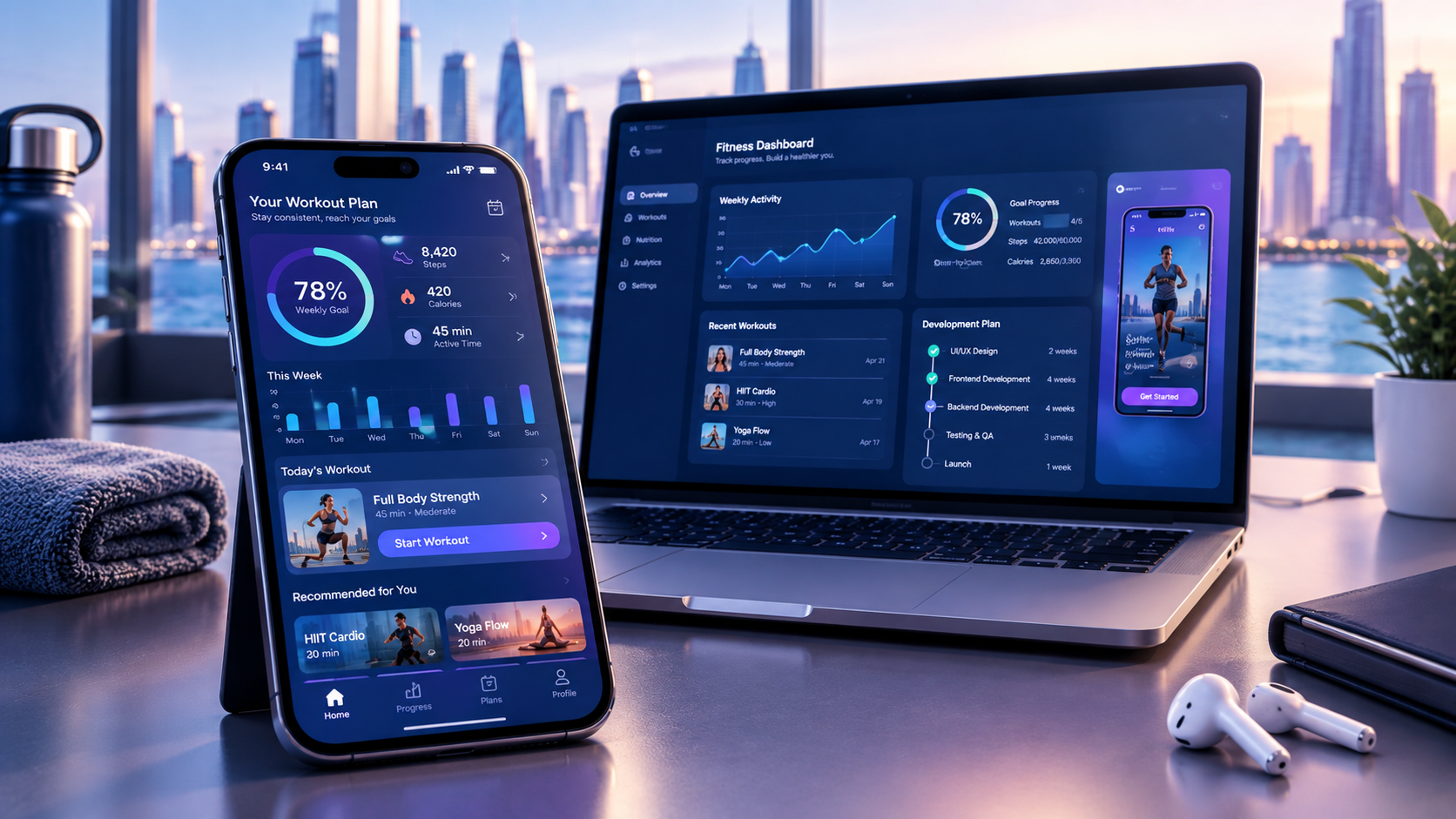
Health apps can make everyday health management more convenient. Their benefits depend on the application, its features, and how users apply the information.
1. Convenient Access to Health Information
Users can review supported health information through their smartphones rather than relying entirely on paper records.
This can make it easier to monitor activity, review health-related trends, or organize personal records.
2. Improved Health Awareness
Tracking activity, sleep, or nutrition can help users become more aware of their daily habits.
For example, a user may notice that their activity levels vary significantly between weekdays and weekends.
Such observations can encourage users to discuss relevant concerns with healthcare professionals when appropriate.
3. Better Routine Management
Medication reminders, appointment notifications, and activity schedules can help users organize their daily routines.
These features are particularly useful when an application is easy to configure and allows users to manage reminders according to their preferences.
4. Personalized Wellness Experiences
Applications can adapt goals, educational content, and activity suggestions to users' preferences.
Personalization can make the experience more relevant and engaging.
However, recommendations should be based on appropriate information and should not exceed the application's intended purpose.
5. Support for Remote Healthcare Services
Healthcare applications can provide access to appointment booking, virtual consultations, and selected patient services.
This may reduce administrative friction and make some healthcare services more convenient.
The actual availability of remote services depends on healthcare providers, local requirements, and the application's capabilities.
6. Better Communication and Organization
Some health apps allow users to organize records, track symptoms, or share selected information with healthcare professionals.
This may help users prepare for appointments and communicate relevant information more clearly.
Users should always understand what information is being shared and with whom.
How Health Apps Can Benefit Healthcare Businesses
Health applications can also create opportunities for healthcare providers, startups, and technology companies.
Streamlined Administrative Processes
Appointment booking, reminders, and digital intake forms can reduce repetitive administrative work.
Improved Patient Engagement
Well-designed applications can make it easier for users to access relevant information and interact with healthcare services.
New Digital Service Opportunities
Healthcare organizations may develop applications for specialized services, patient education, remote monitoring, or wellness programs.
Better Operational Insights
Appropriately designed analytics can help businesses understand service usage and identify operational improvements.
Stronger Digital Service Delivery
Healthcare providers can use applications to make selected services available through convenient digital channels.
These benefits depend on implementation quality, user adoption, appropriate clinical oversight, and compliance with relevant requirements.
How to Develop a Health App in 2026
Developing a health application requires a clear product strategy, careful design, appropriate technology, and a strong approach to privacy and security.
The following steps provide a practical development process.
Step 1: Define the App's Purpose
Start by identifying the problem the application will solve.
Examples include:
Helping users track daily activity
Supporting medication routines
Providing fitness plans
Organizing healthcare appointments
Supporting remote patient monitoring
A clear purpose helps prevent unnecessary features and makes the application easier to develop.
Step 2: Identify the Target Audience
Determine who will use the application.
Potential audiences include:
Fitness enthusiasts
General wellness users
Healthcare professionals
Patients
Caregivers
Healthcare organizations
Different audiences require different interfaces, workflows, and levels of functionality.
Step 3: Conduct Market and Competitor Research
Evaluate existing applications to understand their strengths and limitations.
Consider:
Main features
User experience
Pricing structure
Device compatibility
Privacy practices
User feedback
Target audience
Competitor research should identify genuine opportunities rather than simply copying existing applications.
Step 4: Define the Minimum Viable Product (MVP)
An MVP contains the essential features needed to test the application's core purpose.
For example, a basic fitness tracking MVP may include:
User registration
Activity tracking
Goal setting
Progress dashboard
Notifications
Basic profile management
Advanced AI recommendations, extensive integrations, and complex analytics can be considered after the initial product has been validated.
Step 5: Design the User Experience
Health applications should be simple, accessible, and easy to navigate.
Important design considerations include:
Clear navigation
Readable text
Accessible colors
Simple charts
Understandable health terminology
Appropriate error messages
Easy-to-manage permissions
Users should be able to understand what the application does without requiring extensive technical knowledge.
Step 6: Select the Technology Stack
Choose technologies according to the application's functionality and future requirements.
A possible stack may include:
Component | Possible Technologies |
|---|---|
iOS development | Swift, SwiftUI |
Android development | Kotlin |
Cross-platform development | Flutter, React Native |
Backend development | Node.js, Python, Java |
Database | PostgreSQL, MongoDB |
Cloud infrastructure | AWS, Microsoft Azure, Google Cloud |
API integration | REST APIs, FHIR-based interfaces |
Analytics | Privacy-conscious analytics platforms |
This is an illustrative technology selection, not a universal recommendation. The final stack should depend on the application's requirements and the team's expertise.
Step 7: Implement Security and Privacy
Security planning should begin before sensitive data is collected.
Development teams should evaluate:
Data collection requirements
Consent workflows
Authentication
Encryption
Access controls
Data retention
Backup procedures
Incident response
Third-party integrations
Healthcare applications may also require additional compliance reviews depending on the jurisdiction, business model, and nature of the data.
Step 8: Test the Application
Testing should cover both functionality and the quality of the user experience.
Important testing areas include:
Functional testing
Device compatibility
API testing
Performance testing
Security testing
Accessibility testing
Data synchronization
Notification delivery
For applications involving health measurements, testing should also consider the accuracy, source, and interpretation of the data.
Step 9: Launch and Maintain the App
After testing, the application can be released through appropriate distribution channels.
Ongoing maintenance may include:
Bug fixes
Security updates
Platform compatibility updates
Performance monitoring
User feedback analysis
Feature improvements
A health application should be maintained continuously because operating systems, connected devices, and user expectations change over time.
Businesses looking for a development partner can explore custom software development services to plan a solution around their business requirements.
Health App Development Considerations in Qatar
Qatar offers an environment in which healthcare organizations and technology businesses can explore digital service delivery.
However, developing a healthcare application for the Qatari market requires more than translating an interface or adding local payment options.
Businesses should evaluate the following considerations.
1. Local Healthcare Requirements
Healthcare applications should be reviewed against applicable laws, policies, and requirements.
The exact obligations depend on whether the application provides general wellness information, handles patient records, supports healthcare professionals, or offers clinical services.
Businesses should obtain appropriate legal and regulatory guidance before launching a healthcare product.
2. Data Privacy and Security
Applications handling personal information should evaluate Qatar's applicable personal data protection requirements.
The Qatar National Cyber Security Agency and relevant official government resources can be useful starting points for understanding the local cybersecurity environment.
Businesses should also assess data storage, cross-border transfers, third-party processors, and access controls.
3. Arabic and English Language Support
Applications targeting Qatar may benefit from bilingual interfaces.
Important considerations include:
Arabic and English language options
Right-to-left interface support
Localized date formats
Accessible terminology
Clear notifications
Appropriate language selection
Localization should be considered during the design stage rather than added as an afterthought.
4. Healthcare Provider Integrations
Businesses should evaluate whether their application needs to integrate with appointment systems, patient records, or other healthcare platforms.
Integration feasibility depends on the availability of APIs, partner agreements, technical requirements, and applicable permissions.
5. Reliable Mobile and Cloud Infrastructure
Healthcare applications should be designed to handle interruptions, synchronization issues, and growing user demand.
Businesses may consider cloud and DevOps solutions to support deployment, monitoring, scalability, and infrastructure management.
Common Mistakes to Avoid When Developing Health Apps
Even a technically advanced application can struggle if it does not solve a genuine user problem.
Here are common mistakes businesses should avoid.
Building Too Many Features
Adding every possible feature can increase development complexity and make the application harder to use.
Start with the core user need and expand after evaluating feedback.
Ignoring User Privacy
Collecting unnecessary health information can create privacy and security risks.
Applications should follow data minimization principles and explain how information is used.
Providing Unverified Health Recommendations
Applications should not present unvalidated AI-generated suggestions or consumer-device measurements as definitive medical conclusions.
Medical functionality may require additional validation and regulatory assessment.
Poor User Experience
Complicated navigation, unclear charts, and excessive notifications can discourage users from continuing to use an application.
A simple, accessible interface is often more valuable than an unnecessarily complex feature set.
Neglecting Device Compatibility
Applications that rely on wearables or connected medical devices must account for supported devices, permissions, and synchronization limitations.
Failing to Plan for Maintenance
A health application requires continuous monitoring, updates, and improvements.
Maintenance should be included in the product roadmap and business plan.
Future Trends in Health App Development
Health applications continue to evolve as mobile devices, connected technologies, and software capabilities improve.
Several developments may influence future healthcare app development.
AI-Powered Personalization
AI may support more personalized interfaces, activity recommendations, and summaries of user-entered or device-generated information.
These experiences require appropriate safeguards and clear communication about their limitations.
Connected Health Ecosystems
Applications may increasingly connect with compatible devices and healthcare platforms to organize information across multiple sources.
Interoperability and permission management will remain important.
Remote Health Monitoring
Connected devices and mobile applications may support selected remote monitoring workflows when appropriately designed and validated.
Clinical use requires more rigorous assessment than general wellness tracking.
More Accessible Digital Healthcare
Applications may provide easier access to educational content, scheduling, and selected healthcare services.
Accessibility, language support, and user-centered design will be important in making these services useful to different populations.
Privacy-Centered Application Design
Users and organizations increasingly need clear controls over sensitive information.
Privacy-aware architecture, transparent consent, and appropriate security measures should remain central to application development.
Conclusion
The best health apps help users manage specific aspects of their health and wellness more conveniently.
Apple Health supports centralized health information, Fitbit focuses on wearable-based tracking, MyFitnessPal supports nutrition logging, Strava serves activity enthusiasts, Headspace and Calm offer wellness content, Medisafe helps organize medication routines, and Flo supports cycle tracking.
Each application serves a different purpose. The right choice depends on the user's goals, available devices, privacy preferences, and the application's limitations.
For businesses, successful health app development requires a clear purpose, user-friendly design, reliable technology, appropriate integrations, and careful handling of sensitive information.
Galaxium Coding helps businesses explore digital solutions through its mobile application development services and software development services.
If your organization is planning a health or wellness application, contact Galaxium Coding to discuss your requirements and explore a suitable development approach.
Frequently Asked Questions (FAQs)
1. What are the best health apps in 2026?
The best health apps depend on the user's goals. Apple Health is useful for organizing health information, Fitbit supports wearable tracking, MyFitnessPal focuses on nutrition, Strava supports running and cycling, Headspace and Calm offer wellness content, Medisafe helps manage medication schedules, and Flo supports cycle tracking.
2. Are health apps free to use?
Some health apps provide free features, while others offer premium subscriptions, paid plans, or in-app purchases. The availability of features and pricing can vary by country, platform, and subscription.
3. Can health apps replace doctors?
No. Health apps can support health information management and general wellness, but they should not replace qualified healthcare professionals, medical diagnosis, treatment, or emergency care.
4. What features should a health app include?
Common features include user profiles, health tracking, notifications, progress reports, data visualization, device integration, privacy controls, and secure authentication. The appropriate feature set depends on the application's purpose.
5. What technologies are used to develop health apps?
Health applications may use Swift, Kotlin, Flutter, React Native, backend technologies such as Node.js or Python, cloud infrastructure, APIs, databases, and supported health data integration frameworks.
6. How does AI improve health apps?
AI can support personalization, activity recommendations, data summaries, and pattern analysis. Its use in health-related applications requires appropriate validation, transparency, and safeguards.
7. Are health apps secure?
Security varies by application. Users should review privacy policies, permissions, authentication options, and data-sharing settings. Developers should implement appropriate security controls and protect sensitive information.
8. How much does it cost to develop a health app?
Health app development costs depend on the application's features, platform, integrations, security requirements, design complexity, and maintenance needs. A basic wellness app generally requires a different budget from a healthcare platform with patient records, telemedicine, and connected medical devices.
9. Can health apps connect with wearable devices?
Yes. Many health applications integrate with compatible smartwatches, fitness trackers, and other connected devices. The available data depends on the device, platform, permissions, and integration capabilities.
10. What should businesses consider before developing a health app in Qatar?
Businesses should define the application's purpose, target audience, required integrations, data protection approach, localization needs, security architecture, and applicable healthcare requirements. Professional regulatory guidance may be necessary depending on the intended functionality.
11. What is the difference between a health app and a fitness app?
A fitness app generally focuses on physical activity, exercise, and performance. A health app can cover a broader range of functions, including wellness, nutrition, medication management, health records, and healthcare services.
12. Why is user experience important in health app development?
A clear and accessible user experience helps users understand information, navigate features, manage permissions, and maintain consistent engagement. Complex interfaces can make health applications less useful, even when they contain advanced technology.