Mobile App Security Best Practices for Businesses
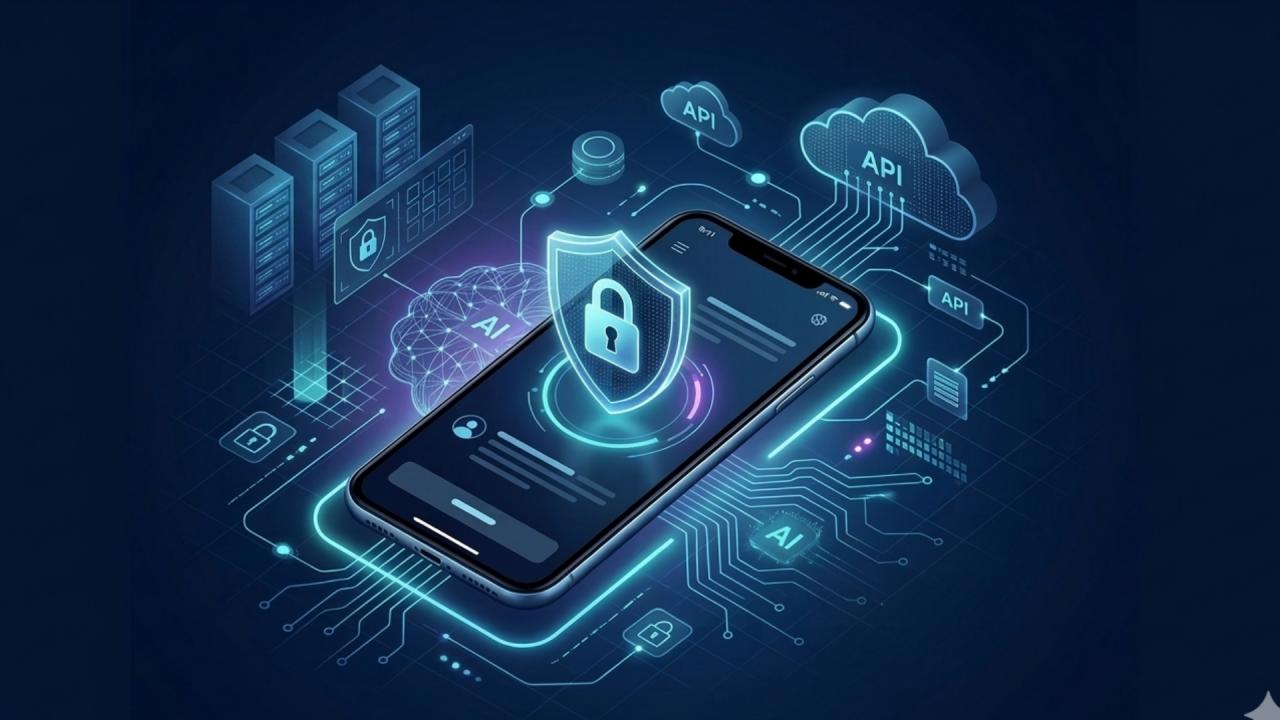
Mobile app security best practices help businesses protect user accounts, sensitive information, APIs, and connected digital systems.
Mobile App Security Best Practices for Businesses
Mobile applications have become an important part of modern business operations. Companies use mobile apps to serve customers, process payments, manage employees, track deliveries, coordinate sales teams, and provide access to business systems. However, as mobile applications handle increasingly valuable information, security must be treated as a fundamental part of development rather than an optional feature.
A poorly secured application can expose customer information, compromise business accounts, enable fraudulent transactions, or create opportunities for attackers to access connected systems. Even when an app looks professional and works smoothly, weaknesses in its authentication, data storage, APIs, or backend infrastructure can put the entire business at risk.
Mobile app security is the process of protecting an application's code, user accounts, data, communications, and connected systems against unauthorized access, manipulation, and other threats.
For businesses planning a new application or maintaining an existing one, effective security requires a combination of secure development practices, appropriate architecture, testing, monitoring, and ongoing maintenance.
This guide explains the most important mobile app security best practices for businesses, with practical examples, a security checklist, and considerations for organizations operating in Qatar.
Why Mobile App Security Matters for Businesses
Mobile app security affects more than the technical performance of an application. It can influence customer trust, operational continuity, financial risk, and a company's reputation.
Businesses should understand the potential consequences of security weaknesses before choosing an architecture or beginning development.
1. Protecting Sensitive Business and Customer Data
Mobile applications may process names, email addresses, phone numbers, payment-related information, business documents, location information, or employee records.
If an application stores this information insecurely or exposes it through an improperly protected API, unauthorized individuals may gain access.
Businesses should identify the information their applications collect, determine why it is needed, and establish appropriate controls for storing, transmitting, accessing, and deleting it.
2. Preventing Unauthorized Account Access
Weak authentication and poorly managed sessions can allow attackers to access accounts they do not own.
For example, an employee application may expose confidential sales records if users can access another employee's information by changing a record identifier in an API request.
Secure authentication must therefore be supported by server-side authorization checks and carefully designed access permissions.
3. Reducing Financial and Operational Risks
A compromised application can lead to fraudulent transactions, service disruption, incident investigation costs, recovery work, and potential legal obligations.
For businesses that depend on mobile applications for bookings, payments, delivery management, or customer service, downtime can also interrupt everyday operations.
Security planning helps reduce these risks and supports a more resilient digital service.
4. Maintaining Customer Confidence
Customers expect businesses to handle their information responsibly. Security incidents can undermine that confidence and make users reluctant to continue using an application.
Transparent privacy practices, reliable account protection, secure transactions, and timely responses to reported vulnerabilities help support customer trust.
5. Supporting Compliance Obligations
Businesses may have legal, contractual, or sector-specific obligations relating to personal information, payment processing, or other sensitive data.
These requirements depend on the business, the information processed, and the jurisdictions involved. Security controls should be designed around the organization's actual obligations rather than assumptions about what compliance requires.
1. Use Strong Authentication and Access Control
Authentication establishes who a user is. Authorization determines what that user is permitted to do.
Both are essential for business applications, especially those that provide access to private records, financial information, employee systems, or administrative functions.
Implement Secure Authentication
Depending on the application's risk and user needs, suitable measures may include:
Strong password requirements where passwords are used.
Multi-factor authentication for sensitive accounts and administrative access.
Secure account recovery and password-reset procedures.
Protection against repeated login attempts and automated abuse.
Secure session expiration and logout behavior.
Additional verification for high-risk operations.
Multi-factor authentication adds another layer of protection beyond a password. However, it should be implemented as part of a broader authentication strategy rather than treated as a complete security solution.
Apply Role-Based Access Control
Not every user should have access to every application feature.
A business application might have the following roles:
Role | Appropriate access |
|---|---|
Customer | Own profile, orders, and permitted support requests |
Employee | Assigned work and approved business records |
Manager | Team information and authorized reports |
Administrator | Specifically authorized configuration and management functions |
Permissions must be enforced on the server. Hiding a button or screen in the mobile interface does not prevent an attacker from calling the underlying API directly.
For example, a sales employee should not be able to access another employee's confidential customer records simply by changing an identifier in a network request.
Businesses developing custom applications can define these requirements during mobile application development so that access control is incorporated into the application's design from the beginning.
2. Encrypt Sensitive Data
Encryption helps protect information against unauthorized disclosure when data is stored or transmitted.
However, encryption alone does not prevent every form of data exposure. Applications must also control access to encryption keys, minimize stored information, and avoid exposing sensitive data through logs, screenshots, backups, or application interfaces.
Encrypt Data in Transit
Mobile applications commonly communicate with backend services over the internet.
Use HTTPS with properly configured TLS for application traffic. Sensitive APIs should reject insecure connections, and certificates and server configurations should be managed appropriately.
Developers should avoid transmitting credentials, access tokens, personal information, or payment-related data through unencrypted channels.
Protect Data at Rest
If an application must store sensitive information locally, use platform-provided security capabilities and encrypted storage appropriate to the threat model.
Examples include:
Android Keystore for protecting cryptographic keys.
Apple Keychain for securely storing credentials and other small secrets.
Platform-supported file protection for sensitive application files.
Encrypted databases where local database protection is required.
Encryption keys should not simply be hardcoded into the application or stored alongside encrypted information in an easily accessible form.
Where possible, avoid storing sensitive data on the device altogether. Information that does not need to persist locally should not be retained unnecessarily.
Avoid Exposing Sensitive Information
Developers should review whether private information can appear in:
Application logs and crash reports.
Local databases and temporary files.
Notifications displayed on a locked screen.
Screenshots or app-switcher previews.
Clipboard contents.
Backups and diagnostic exports.
The appropriate controls depend on the application's purpose and the sensitivity of its data.
3. Secure APIs and Backend Services
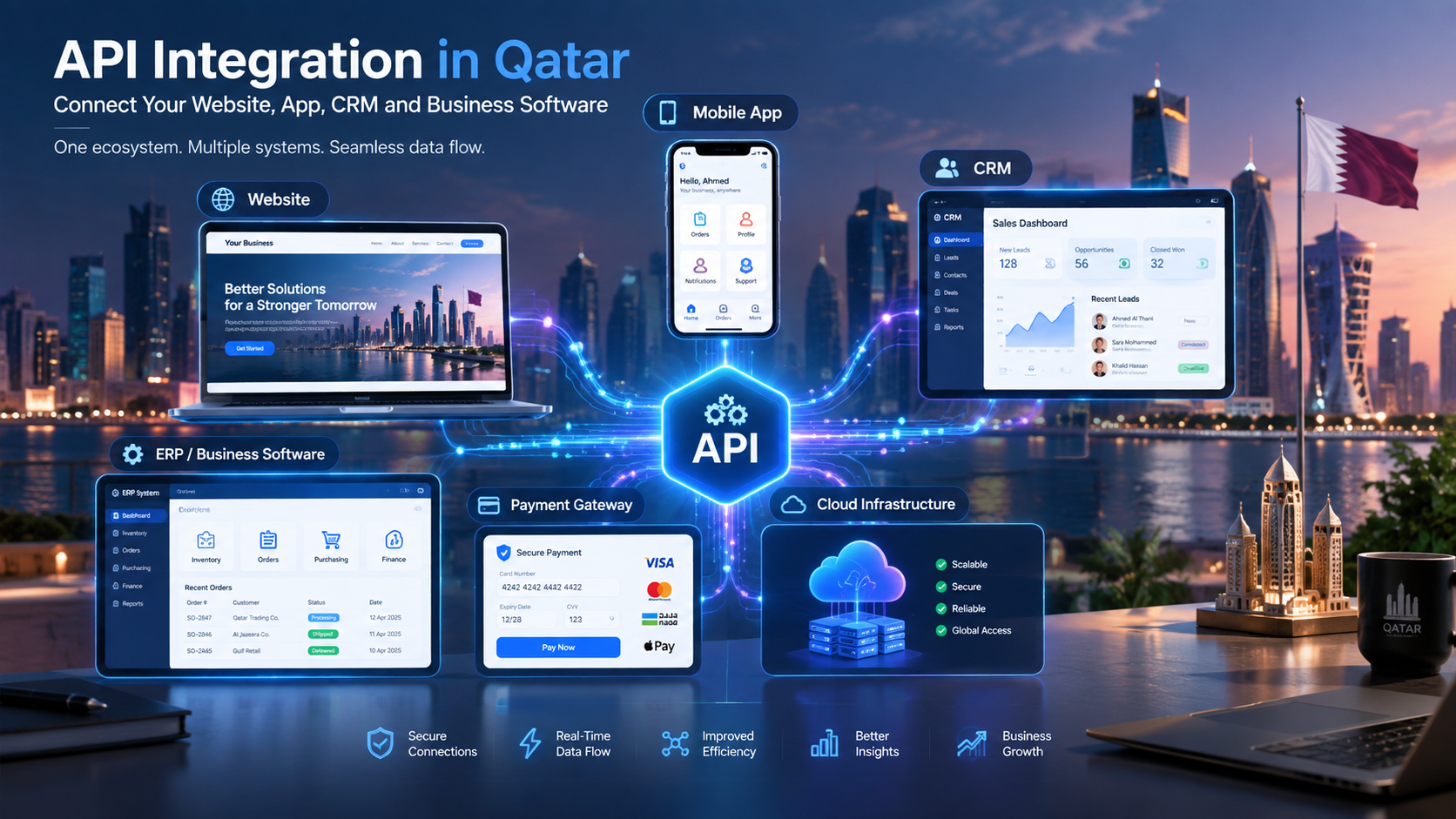
A mobile application is often only the user-facing part of a larger system. It may communicate with APIs, databases, payment services, CRM platforms, and other backend components.
An application can have a secure interface and still be vulnerable if its APIs allow unauthorized requests or expose sensitive records.
Validate Every Request on the Server
Backend services should validate incoming data and independently verify the user's identity and permissions.
For example, when a customer requests an order record, the server should verify that the customer is authorized to access that specific order. It should not assume that a valid login automatically grants access to every record.
Protect API Credentials
Secret keys, database credentials, and privileged service credentials must not be embedded in a mobile application that is distributed to users.
Mobile app packages can be inspected, so credentials embedded in client-side code may be extracted.
Use an appropriately secured backend to hold privileged credentials and control access to external services.
Apply Rate Limiting and Abuse Protection
APIs should be protected against excessive requests, automated login attempts, scraping, and other forms of abuse.
Depending on the use case, controls may include rate limits, quotas, request validation, anomaly detection, and additional verification for suspicious activity.
Rate limits should be designed to reduce abuse without unnecessarily blocking legitimate users.
Follow Established API Security Guidance
The OWASP API Security Project provides guidance on common API risks, including broken authorization, authentication weaknesses, and insecure exposure of business functionality.
Businesses should assess API security alongside mobile interface security because the two are closely connected.
4. Follow Secure Coding Practices
Secure coding reduces the likelihood that implementation mistakes will introduce vulnerabilities into an application.
Security should be considered during requirements analysis, design, coding, testing, and maintenance.
Validate Inputs and Handle Errors Safely
Applications should validate user input on the server and apply suitable validation in the client interface to improve usability.
Developers should use safe database access methods, appropriate output encoding, and secure file-handling practices.
Error messages should help users understand what happened without exposing internal paths, database details, access tokens, or sensitive implementation information.
Keep Dependencies Updated
Mobile applications often rely on third-party libraries, SDKs, frameworks, and external services.
Outdated or vulnerable dependencies can introduce risks even when the application's own code is well written.
Businesses should maintain an inventory of important dependencies, monitor relevant security advisories, evaluate updates, and remove components that are no longer needed.
Review Code Changes
Code reviews can help identify insecure patterns, excessive permissions, accidental secret exposure, and authorization errors before deployment.
Automated static analysis and dependency scanning can complement manual reviews, but neither replaces appropriate security testing.
Follow Platform Security Guidance
Android and iOS have different platform capabilities and security mechanisms.
Developers should follow the official Android security best practices and Apple's Platform Security documentation when designing and implementing mobile applications.
5. Protect Authentication Tokens and User Sessions
Many applications use access tokens or other session credentials to maintain authenticated sessions.
If an attacker obtains a valid token, they may be able to impersonate a user until the token expires or is invalidated.
Store Tokens Securely
Sensitive tokens should be stored using suitable platform security mechanisms, not ordinary unprotected preferences or files.
The storage approach should reflect the token's purpose, lifetime, and privileges.
Avoid placing tokens in URLs, exposing them in logs, or including them in analytics events.
Use Appropriate Token Lifetimes
Long-lived credentials increase the period during which a stolen token may remain useful.
Consider short-lived access tokens, secure refresh-token handling, revocation mechanisms, and session expiration based on the application's risk.
Sensitive business applications may also require reauthentication before high-impact operations.
Manage Logout and Revocation Properly
Logging out should invalidate or remove the relevant session credentials according to the application's architecture.
Businesses should also consider what happens when a device is lost, an employee leaves the organization, a password is reset, or suspicious account activity is detected.
A secure session design needs to address these scenarios rather than relying only on a logout button.
6. Minimize Data Collection and Protect User Privacy
Collecting less sensitive information can reduce the consequences of a potential breach.
Before adding a new data field or device permission, businesses should ask whether the information is genuinely necessary for the service.
Apply Data Minimization
Good practices include:
Collect only information required for a defined purpose.
Avoid retaining personal data indefinitely.
Define retention and deletion procedures.
Restrict employee access to sensitive records.
Use anonymized or synthetic data for testing when appropriate.
Document how information is shared with third-party services.
Review Mobile App Permissions
An application should request access to device features only when needed.
For example, a delivery application may need location access during a delivery, while a basic business information application may not need continuous location tracking.
Explain permission requests clearly and avoid requesting broad access when a narrower option is sufficient.
Review Third-Party SDKs
Analytics, advertising, crash-reporting, and customer-support SDKs may collect information from an application.
Businesses should evaluate what each SDK collects, how the information is transmitted, whether it is necessary, and how it aligns with the application's privacy commitments.
Privacy protection should be considered throughout the product lifecycle, not only when preparing the privacy policy.
7. Defend Against Common Mobile App Attacks
Different applications face different threats, but several security weaknesses appear repeatedly across mobile environments.
Threat | Potential consequence | Recommended protection |
|---|---|---|
Insecure local storage | Exposure of sensitive device data | Minimize local storage and use platform security features |
Broken access control | Unauthorized access to records or actions | Enforce permissions on the backend |
API abuse | Data exposure, service disruption, or fraudulent activity | Validate requests, apply rate limits, and monitor abuse |
Hardcoded secrets | Extracted credentials or unauthorized service access | Keep privileged secrets on secure backend systems |
Weak authentication | Account compromise | Use secure authentication, MFA where appropriate, and safe recovery |
Vulnerable dependencies | Exploitation of known software weaknesses | Track dependencies and apply tested security updates |
Insecure network communication | Interception or modification of data | Use correctly configured TLS and secure API endpoints |
Excessive permissions | Unnecessary access to device data | Request only permissions needed for the feature |
Sensitive information in logs | Accidental disclosure through diagnostics | Redact or exclude secrets and personal data |
Insufficient server-side validation | Manipulated requests or business logic abuse | Validate data and enforce business rules on the server |
These controls reduce risk but cannot guarantee that an application will never be compromised. Security must be continuously reviewed as the application and its threat environment change.
8. Test Mobile Applications Before Release
Security testing should begin before launch and continue as the application changes.
A successful functional test does not prove that an application is secure. Testing must also examine how the system behaves when users, devices, or requests do not follow the expected path.
Use Automated Security Testing
Depending on the technology stack, automated tools can help identify:
Vulnerable dependencies.
Insecure coding patterns.
Accidentally committed credentials.
Misconfigured build settings.
Common code-level weaknesses.
Automated findings should be reviewed to determine their relevance and severity.
Conduct Manual Security Testing
Manual testing is valuable for issues that depend on business logic, user roles, or application-specific workflows.
Testers may examine whether:
One user can access another user's records.
Privileged actions are correctly restricted.
Password-reset and recovery processes can be abused.
Tokens remain valid longer than intended.
API requests can bypass interface restrictions.
Sensitive information appears in logs or local storage.
File uploads and external links are handled safely.
Consider Independent Security Assessments
For applications handling sensitive data, payments, or business-critical processes, an independent assessment or penetration test may be appropriate.
Testing scope should include the mobile client, backend APIs, authentication, relevant integrations, and other components that affect security.
Vulnerabilities should be prioritized, fixed, and retested before release or according to a documented risk-management plan.
9. Secure the Development and Release Process
Application security depends on more than the code running on a user's device. The development pipeline, build systems, signing keys, source repositories, and deployment credentials can also become targets.
Protect Source Code and Build Systems
Recommended controls include:
Restricting repository access according to job responsibilities.
Enforcing multi-factor authentication for development accounts.
Protecting deployment credentials and signing keys.
Reviewing changes before merging.
Scanning code and dependencies during development.
Separating development, testing, and production environments.
Limiting access to production data and systems.
Protect Application Signing Credentials
Application signing credentials should be managed carefully, with access limited to authorized personnel and appropriate recovery arrangements.
Compromised signing keys or build credentials can create serious risks for application distribution and updates.
Review Third-Party Services
A mobile app may depend on external payment providers, analytics platforms, identity services, or cloud infrastructure.
Evaluate their security responsibilities, access requirements, data handling, and failure scenarios. Business-critical integrations should have appropriate monitoring and recovery plans.
Organizations building connected digital systems can explore custom software development services to consider how security requirements should extend across applications, APIs, and business infrastructure.
10. Monitor Applications and Respond to Security Incidents
Security work does not end when an application is published. New vulnerabilities may emerge, dependencies may become outdated, and attackers may discover new ways to abuse business functionality.
Monitor Security-Relevant Events
Depending on the application's needs, monitoring may include:
Repeated failed login attempts.
Suspicious changes to account permissions.
Unusual API request patterns.
Unexpected administrative actions.
Repeated payment failures or suspicious transactions.
Errors indicating potential security problems.
Monitoring should collect the minimum information necessary and avoid storing passwords, full authentication tokens, or unnecessary personal information in logs.
Prepare an Incident Response Plan
Businesses should decide in advance how they will investigate and respond to a security incident.
A practical plan identifies responsible people, escalation procedures, methods for containing affected accounts or systems, recovery steps, and processes for determining whether notifications are required.
The plan should also explain how evidence will be preserved and how affected systems will be checked before returning to normal operation.
Keep Software Maintained
Maintenance may include patching dependencies, updating operating-system compatibility, reviewing access permissions, testing backup restoration, and addressing newly discovered vulnerabilities.
Businesses should assign responsibility for these activities and establish a realistic maintenance schedule based on risk.
For applications supported by cloud infrastructure, cloud and DevOps solutions can be relevant to deployment controls, monitoring, operational resilience, and maintenance planning.
11. Mobile App Security Considerations for Businesses in Qatar
Businesses in Qatar may develop mobile applications for retail, healthcare, finance, education, logistics, hospitality, real estate, and internal business operations.
The right security measures depend on the information handled and the services provided.
Understand Applicable Data Protection Requirements
Organizations processing personal information should evaluate their obligations under applicable Qatar legislation, contractual requirements, and any sector-specific rules.
The Qatar National Cyber Security Agency provides national cybersecurity information and resources. Businesses should consult the appropriate official sources and qualified advisers when determining which legal and technical requirements apply to their particular application.
Consider Language and User Experience
Applications serving multilingual audiences should provide clear security and privacy information in the languages their users need.
Authentication instructions, permission requests, account recovery, and security notifications should be understandable and accessible.
Assess Third-Party and Hosting Dependencies
Businesses should understand where application data is processed, which service providers can access it, how backups are managed, and what happens if a third-party service becomes unavailable.
Hosting and data-location decisions should be based on technical needs, contractual commitments, and applicable legal requirements rather than unsupported assumptions about where data must be stored.
Secure Business-Critical Integrations
Applications connected to inventory, customer management, payment processing, or enterprise systems should have clearly defined integration permissions.
A compromised mobile account should not automatically provide unrestricted access to every connected business system.
12. Build a Mobile App Security Checklist
Businesses can use this checklist during planning, development, testing, and ongoing maintenance.
Before Development
Identify the sensitive information the application will process.
Define user roles and permissions.
Document the main security threats and business risks.
Decide which information must be stored on the device.
Review third-party integrations and data flows.
Identify applicable privacy and regulatory requirements.
During Development
Implement secure authentication and appropriate MFA.
Enforce authorization checks on the backend.
Use HTTPS with properly configured TLS.
Protect local credentials and sensitive data.
Keep privileged secrets out of the mobile client.
Validate input and handle errors safely.
Review dependencies and permissions.
Protect source code, signing keys, and deployment credentials.
Before Launch
Perform automated security scans.
Test authentication and account recovery.
Test access restrictions between users and roles.
Assess API and backend security.
Review logs, analytics, and diagnostic data.
Fix and retest important security findings.
Verify backup, recovery, and incident procedures.
After Launch
Monitor security events and suspicious activity.
Update vulnerable dependencies and frameworks.
Review user permissions periodically.
Test critical workflows after significant changes.
Maintain a vulnerability reporting process.
Reassess security when new features or integrations are added.
Review incident response and recovery plans.
The checklist should be adapted to the application. A basic customer information app and a financial transaction platform do not have identical security requirements.
13. Common Mobile App Security Mistakes to Avoid
Treating Security as a Final Development Step
Adding security only after the main application has been built can lead to expensive redesigns and missed vulnerabilities.
Better approach: Include security requirements in planning, architecture, implementation, and testing.
Assuming the Mobile Interface Is Secure Enough
A hidden screen or disabled button does not prevent someone from making direct API requests.
Better approach: Enforce authorization and business rules on the server for every sensitive operation.
Storing Secrets in the App
Mobile application packages can be examined, making embedded privileged credentials a poor security practice.
Better approach: Keep privileged secrets on controlled backend systems and use appropriate client authentication mechanisms.
Collecting More Data Than Necessary
Excessive data collection increases the amount of information that could be exposed in an incident.
Better approach: Minimize collection and retention, restrict access, and establish deletion procedures.
Skipping Security Testing Before Updates
A new feature or dependency update can introduce vulnerabilities into an application that was previously tested.
Better approach: Integrate security checks into the release process and retest important changes.
Ignoring Maintenance After Launch
Unsupported dependencies and unresolved vulnerabilities can weaken an application over time.
Better approach: Assign clear responsibility for monitoring, patching, incident response, and security reviews.
14. How to Choose a Secure Mobile App Development Partner
Businesses should evaluate security expertise when selecting a mobile application developer. The objective is not simply to obtain an app that works, but to build a system that can be maintained and protected as requirements change.
Ask potential development partners the following questions:
How are authentication and user permissions designed?
How are sensitive information and credentials stored?
How are APIs protected against unauthorized access?
What security tests are included before release?
How are third-party libraries and vulnerabilities monitored?
Who is responsible for updates and incident response after launch?
How are source code, signing keys, and deployment credentials protected?
What security documentation and testing evidence will be delivered?
Businesses should request clear explanations of the controls included in the proposed scope. Claims about certifications, penetration testing, or compliance should be supported by appropriate evidence.
Companies planning a new application can review Galaxium Coding's mobile application development services and published projects to explore its digital development work.
Conclusion
Mobile app security is an ongoing business responsibility that requires attention throughout an application's lifecycle.
Strong authentication, server-side authorization, encryption, secure API design, data minimization, secure coding, testing, and continuous maintenance all contribute to reducing risk. No single control can protect every part of an application, so businesses should use a layered approach tailored to their users, data, and operational requirements.
For organizations in Qatar and elsewhere, security should be considered from the beginning of a mobile app project. Early planning helps identify risks, clarify responsibilities, and avoid preventable weaknesses that can become expensive to address later.
If your business is planning a new mobile application or improving an existing one, contact Galaxium Coding to discuss your requirements and explore a suitable development approach.
Frequently Asked Questions
1. What are the most important mobile app security best practices?
The most important practices include secure authentication, server-side authorization, encrypted communication, protected local storage, secure API design, dependency updates, security testing, and ongoing monitoring. The exact controls depend on the application's risk and data.
2. How can a business protect customer data in a mobile app?
Collect only necessary information, encrypt sensitive data in transit and where appropriate at rest, restrict access, protect authentication credentials, minimize retention, and test the systems that store and process customer information.
3. Is encryption enough to make a mobile app secure?
No. Encryption helps protect information, but it does not prevent broken authorization, account takeover, insecure business logic, or every form of data exposure. Effective security requires multiple complementary controls.
4. How can businesses secure mobile app APIs?
Use secure authentication, enforce server-side authorization, validate requests, apply appropriate rate limits, protect privileged credentials, monitor suspicious activity, and test APIs for access-control and business-logic weaknesses.
5. Should a mobile application store sensitive data locally?
Only when necessary. Sensitive information should not be stored on a device without a clear business reason. When local storage is required, use appropriate platform security features, limit retention, and protect access to the data.
6. How often should mobile applications undergo security testing?
Testing should occur before release and after significant changes, especially those affecting authentication, data handling, APIs, or permissions. Ongoing dependency monitoring and periodic risk-based assessments are also important.
7. Are Android and iOS mobile app security requirements the same?
The underlying security objectives are similar, but each platform provides different APIs, storage mechanisms, permission models, and security capabilities. Developers should follow the relevant official platform guidance.
8. What is the OWASP Mobile Application Security Verification Standard?
The OWASP MASVS is a security verification standard that helps developers and testers assess mobile application security controls. It can be used to structure security requirements and testing activities.
9. What should businesses in Qatar consider when securing mobile apps?
Businesses should assess applicable privacy and sector-specific requirements, protect customer and employee information, review third-party providers, secure integrations, and establish appropriate incident response procedures. Requirements depend on the application and the organization.
10. Can a mobile app be completely secure?
No application can be guaranteed completely secure. Security risks can be reduced through careful design, secure implementation, testing, monitoring, timely updates, and effective incident response. The goal is to manage risk and improve resilience continuously.