Custom Web Application vs Website: What's the Difference?
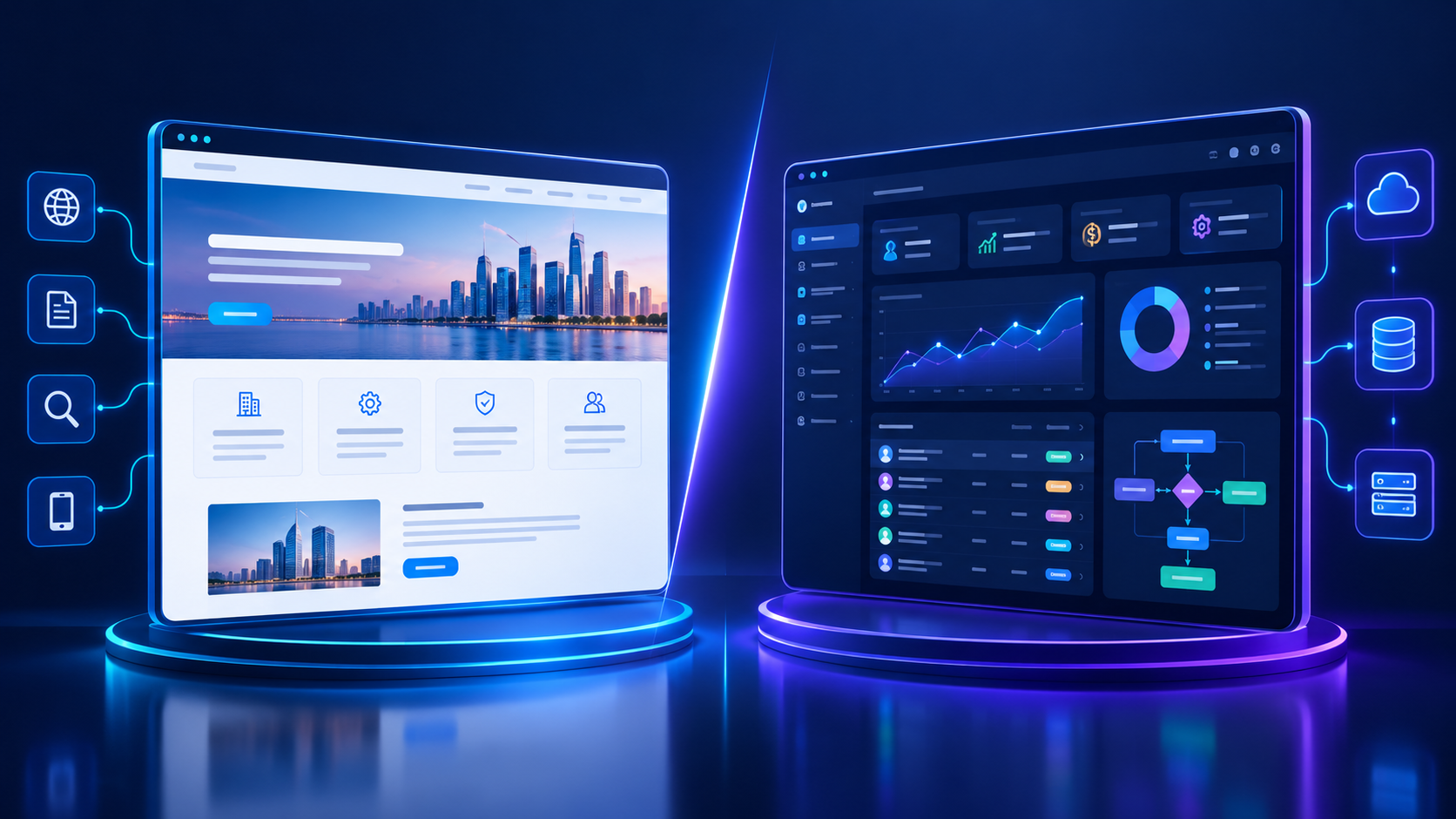
Understand the difference between a traditional website and a custom web application, from online presence to interactive business functionality.
Custom Web Application vs Website: What's the Difference?
Businesses investing in digital technology often face an important question: should they build a traditional website or invest in a custom web application?
Although both can run in a web browser, they serve different purposes. A website typically presents information about a business, its products, services, and expertise. A custom web application goes further by allowing users to complete tasks, manage information, interact with databases, and perform business operations through an interactive interface.
For example, a consulting company may need a professional website to explain its services and generate enquiries. However, if the same company wants clients to log in, upload documents, monitor project progress, approve deliverables, and manage invoices, it may need a custom web application.
Choosing the right solution depends on your business goals, operational requirements, budget, users, and plans for growth.
This guide explains the differences between websites and custom web applications, their features, development processes, costs, security considerations, and practical use cases. It also explores how businesses in Qatar can decide which solution best supports their digital strategy.
What Is a Website?
A website is a collection of interconnected web pages accessible through a browser. Its primary purpose is generally to provide information, communicate a brand's value, attract visitors, and encourage users to take actions such as contacting a business, requesting a quotation, or purchasing a product.
A website can be simple or sophisticated. It may contain static pages, dynamic content, a blog, product catalogues, contact forms, search functionality, and content management tools.
Common Types of Websites
1. Business websites
Corporate websites introduce a company, explain its services, present its portfolio, and provide contact information.
2. E-commerce websites
Online stores display products, support shopping carts, process orders, and connect customers with payment and delivery services.
3. Portfolio websites
These websites showcase projects, case studies, creative work, and professional achievements.
4. Educational websites
Educational institutions use websites to publish programmes, admission information, announcements, learning resources, and contact details.
5. News and content websites
Publishers use content-focused websites to distribute articles, reports, news, and other information.
Essential Website Features
Depending on the business, a professional website may include:
Responsive design for desktop, tablet, and mobile devices
Service and product pages
Search-engine-friendly page structures
Contact forms and enquiry management
Blog or content management functionality
Analytics and conversion tracking
Social media integration
Basic third-party integrations
Website security and performance optimization
The important point is that a website does not have to be completely static. Modern websites can contain interactive elements and sophisticated features. The distinction depends on the main purpose and complexity of the system, not simply whether a button or form is present.
Businesses planning a new online presence can explore web application development services from Galaxium Coding when their requirements extend beyond a conventional website.
What Is a Custom Web Application?
A custom web application is an interactive software system accessed through a web browser and developed around specific user needs or business processes.
Unlike a primarily informational website, a web application typically allows users to work with data, complete transactions, manage records, execute workflows, and receive personalized information.
For example, a property management application may allow administrators to add properties, agents to manage leads, tenants to submit maintenance requests, and managers to review financial reports.
Each user interacts with the same underlying system but may have different permissions and responsibilities.
Common Types of Custom Web Applications
1. Customer portals
Customers can sign in to view orders, download invoices, submit support requests, and manage account details.
2. Customer relationship management systems
CRM applications organize customer records, sales leads, communications, follow-ups, and reporting.
3. Enterprise resource planning systems
ERP applications connect business processes such as finance, procurement, inventory, sales, and operations.
4. Booking and appointment systems
Users can check availability, reserve time slots, make payments, and receive confirmations.
5. Human resource management applications
HR platforms can support employee records, leave requests, attendance, payroll workflows, recruitment, and performance reporting.
6. SaaS platforms
Software-as-a-Service applications allow customers to access software functionality through subscriptions or other commercial models.
7. Inventory and operations systems
Businesses can monitor stock, manage orders, track assets, coordinate teams, and generate operational reports.
Essential Web Application Features
Depending on its purpose, a custom web application may require:
User registration and secure authentication
Role-based access permissions
Database storage and retrieval
Interactive dashboards
Automated workflows and approvals
Advanced search and filtering
Payment gateway integration
API connections to other software
Reporting and analytics
Notifications and activity logs
Data validation and error handling
Backup, monitoring, and maintenance processes
Not every web application requires every feature. The architecture should reflect actual business needs rather than adding unnecessary complexity.
Companies that need functionality tailored to their internal operations can also explore custom software development to assess whether a browser-based application, a broader software platform, or a combination of both is appropriate.
Custom Web Application vs Website: Key Differences
The most important difference is the primary job each solution performs.
Feature | Traditional Website | Custom Web Application |
|---|---|---|
Primary purpose | Present information and attract visitors | Help users complete tasks and manage data |
Typical users | Prospective customers and general visitors | Customers, employees, administrators, or partners |
User accounts | Optional | Often required |
Database operations | May be limited | Usually central to the system |
User interaction | Forms, navigation, searches, and simple actions | Workflows, transactions, dashboards, and data management |
Personalization | Often limited | Can be extensive and role-based |
Business automation | Usually limited or integrated | Can be a core function |
Integrations | Analytics, forms, marketing, or payments | APIs, databases, CRM, ERP, payments, and other services |
Development complexity | Varies from simple to highly sophisticated | Often higher when business logic and workflows are extensive |
Maintenance | Content, software updates, security, and hosting | All website maintenance needs plus application logic, data, integrations, and access control |
These are general patterns, not strict rules. A large e-commerce website can behave like a web application, and a small web application can be relatively simple. Many modern digital products combine both approaches.
How Do Websites and Web Applications Work?
Both solutions can use familiar web technologies, including HTML, CSS, JavaScript, server-side programming, hosting infrastructure, and security controls.
Their architecture depends on what users need to do.
How a Traditional Website Works
A typical business website may follow this process:
A visitor enters the website address or follows a search result.
The browser requests the relevant page.
The website server or content delivery system provides the page content and assets.
The browser displays the page.
The visitor reads information, navigates between pages, or submits an enquiry.
A content management system may allow the business to update pages and publish articles without changing the underlying code.
How a Custom Web Application Works
A web application often involves more interconnected components:
The user signs in or opens an authorized area.
The interface displays the functions available to that user.
The user submits a request, such as creating an order or approving a document.
The application validates the request and checks permissions.
The backend applies the relevant business rules.
Data is read from or written to a database.
The application returns a result and updates the interface.
Other systems may receive information through APIs or automated workflows.
For example, when a sales employee creates an order, the application might validate product availability, calculate the total, request approval, update the order record, and notify the relevant department.
This type of workflow requires more than displaying information. It requires software logic, data management, and appropriate access controls.
When Should You Choose a Website?
A traditional website is often the most practical starting point when the primary objective is to establish an online presence and help visitors understand a business.
Consider a website if your business needs to:
Explain its services and expertise
Publish articles and educational resources
Display a portfolio or project gallery
Generate leads through contact forms
Provide business information and contact details
Improve discoverability through search engines
Present products before customers contact the sales team
Build credibility with potential customers
Example: A Professional Services Company
Imagine a consultancy operating in Doha. It wants to explain its services, introduce its team, publish insights, and encourage potential clients to schedule a consultation.
A professional website with service pages, useful content, enquiry forms, and clear calls to action may meet these requirements.
Building a complex customer management platform from scratch would not necessarily provide additional value at this stage.
The company can begin with a website and introduce application functionality later if its business processes become more demanding.
When Should You Choose a Custom Web Application?
A custom web application becomes more relevant when the business needs users to perform structured tasks or when existing tools cannot support important workflows effectively.
Consider a web application if your organization needs to:
Provide secure customer or employee accounts
Manage large numbers of records
Automate repetitive business processes
Support multiple user roles and permissions
Coordinate approvals across departments
Connect different business systems
Provide personalized dashboards
Offer a subscription-based software product
Generate reports from operational data
Create a customer portal around unique business processes
Example: A Real Estate Management Company
A real estate business may initially use a website to display properties and collect enquiries.
As it grows, the team may need to manage agents, property owners, appointments, documents, sales opportunities, commissions, and follow-ups.
A custom application could support the following workflow:
Property Listing → Customer Enquiry → CRM Lead → Agent Assignment → Viewing Appointment → Sales Follow-Up → Contract → Reporting
The public website could continue attracting customers, while the application manages internal operations.
This approach gives each system a clear role without forcing the business to choose between having a website and having software.
Can a Website Also Be a Web Application?
Yes. The distinction is not always black and white.
Modern websites can include dynamic functionality, customer accounts, e-commerce, bookings, and personalized content. Likewise, a web application may contain public pages that explain its features and encourage users to register.
Consider an online learning platform.
Its public-facing website might contain course descriptions, pricing, instructor profiles, and educational articles. After signing in, students could access lessons, complete quizzes, track progress, and download certificates.
The public pages serve a website-like purpose, while the logged-in learning environment operates as a web application.
Both can share a domain, design system, backend, and database.
Website vs Web Application vs Web Portal
These terms are related but have different common uses.
Website: Primarily communicates information or provides public-facing content.
Web application: Enables users to perform tasks and interact with data.
Web portal: Provides an organized entry point to information, tools, or services for a particular group of users.
A portal is often a type of web application, although its exact scope varies. For example, a supplier portal may allow vendors to submit invoices, view purchase orders, and track payment status.
The right terminology matters less than defining what the system must actually accomplish.
Development Cost: Website vs Custom Web Application
The cost of either solution depends on scope, design, functionality, technology, integrations, and ongoing support.
A simple website will generally require less development effort than a custom application with complex workflows, multiple user roles, and extensive integrations. However, a sophisticated website or e-commerce platform can also require a substantial investment.
What Influences Website Development Cost?
Common cost factors include:
Number and complexity of pages
Custom design requirements
Content creation and migration
Responsive layouts
Content management functionality
Search engine optimization
E-commerce requirements
Payment integration
Hosting and security
Ongoing updates and support
What Influences Web Application Development Cost?
Custom application projects may also involve:
Business requirements analysis
User authentication and authorization
Database design and data migration
Backend development and business logic
Different dashboards for different user roles
Workflow automation
API and third-party integrations
Complex reporting
Testing and quality assurance
Performance and scalability planning
Security reviews and monitoring
Ongoing maintenance and feature development
Why There Is No Single Price
A quotation should reflect the actual project rather than a generic label.
For example, a simple appointment booking website may be relatively straightforward. A booking application that supports multiple branches, staff schedules, deposits, cancellations, customer accounts, automated reminders, and external calendar integrations is a different project.
Businesses comparing quotations should ask what is included, which features are excluded, how integrations will work, who owns the source code, and what support is available after launch.
For further context, Galaxium Coding has published a separate guide on website development costs in Qatar. The important point is to request a scope-based estimate rather than assume every website or application has the same price.
Security Differences Between Websites and Web Applications
Security matters for both websites and web applications, but the risks depend on what each system does and what information it stores.
A basic informational website still needs secure hosting, software updates, appropriate administrative access, backups, and protection against common attacks.
A web application may introduce additional responsibilities because it processes user accounts, private information, transactions, and business-critical data.
Website Security Considerations
A website may require:
HTTPS and valid TLS configuration
Secure administrative accounts
Timely CMS, plugin, and framework updates
Protection against spam and malicious uploads
Reliable backups and recovery procedures
Appropriate privacy and cookie practices
Access restrictions for administrative tools
Web Application Security Considerations
A custom web application may additionally require:
Strong authentication and session management
Server-side authorization checks
Input validation and output encoding
Protection against injection and cross-site scripting
Secure API design
Appropriate encryption and secrets management
Rate limiting and abuse prevention
Audit logs for sensitive operations
Controlled access to personal and business data
Testing of permissions and business logic
A user interface should never be treated as the sole security boundary. The backend must independently verify whether a user is allowed to access a record or perform an action.
Organizations should also establish clear data retention, backup, incident response, and maintenance procedures appropriate to their risk profile.
Performance and Scalability
A website and a web application can both scale, but their performance challenges may differ.
Website Performance
Website performance often depends on page size, images, fonts, scripts, hosting configuration, caching, and content delivery.
Useful practices include:
Optimizing images
Reducing unnecessary scripts
Using caching appropriately
Choosing suitable hosting infrastructure
Monitoring page performance
Keeping the mobile experience responsive
Web Application Performance
Web applications may also need to handle database queries, concurrent users, complex calculations, background jobs, file uploads, and third-party API calls.
Important practices can include:
Efficient database queries and indexing
Appropriate caching strategies
Background processing for lengthy tasks
API performance monitoring
Load testing for expected usage
Scalable infrastructure where justified
Error tracking and operational monitoring
Scalability should be planned according to expected demand and business priorities. A small internal application may not need a complex distributed architecture, while a customer-facing platform with high traffic may require more extensive planning.
Businesses with growing infrastructure needs can explore Cloud & DevOps solutions to assess deployment, monitoring, automation, and infrastructure requirements.
Can You Convert an Existing Website Into a Web Application?
Yes. In many cases, an existing website can be extended into a more interactive system. The best approach depends on the website's technology, code quality, database structure, security, and the new requirements.
Option 1: Add Features to the Existing Website
This may work when the existing platform supports the required functionality and its architecture can accommodate the changes.
Possible additions include customer accounts, booking functionality, order tracking, or a basic dashboard.
Option 2: Build a Separate Application
A business may keep its public website while developing a separate application for customers, employees, or administrators.
This can be useful when the application has more complex workflows or different security requirements.
Option 3: Connect the Website to a Shared Backend
The website and application can communicate with a shared backend through APIs.
For example:
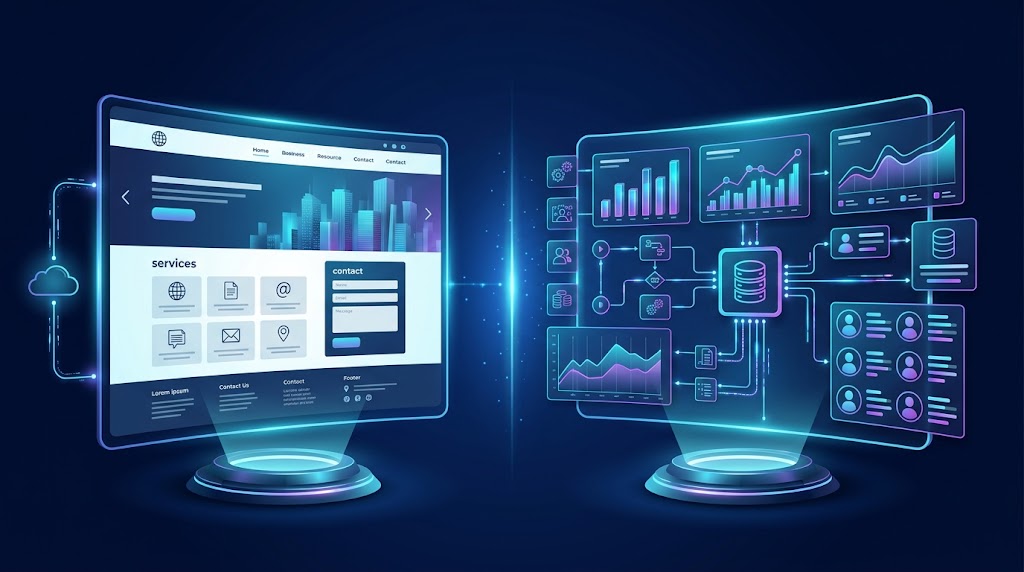
Public Website → API → Shared Backend and Database ← API ← Customer Portal
This can reduce unnecessary duplication of business data, provided the architecture is designed with appropriate permissions, reliability, and data ownership in mind.
Before choosing an approach, developers should assess whether the existing website can be extended safely and economically or whether rebuilding particular components would be more appropriate.
Choosing the Right Technology
There is no single technology stack that is best for every website or web application.
The choice should reflect the project's functionality, team capabilities, performance requirements, integrations, maintenance plans, and budget.
Website Technology
A website may use a content management system, a static site generator, a frontend framework, or a custom-built platform.
For a content-heavy business website, ease of publishing and managing content may be particularly important.
For a highly customized public-facing experience, a framework-based approach may provide greater control over design and performance.
Web Application Technology
A custom web application may use:
A frontend framework for interactive interfaces
A backend framework for business logic and APIs
A relational or other suitable database
Authentication and authorization services
Cloud infrastructure where appropriate
Testing, monitoring, and deployment tools
Third-party services for payments, notifications, or reporting
The selection should be based on technical requirements rather than popularity alone. A technology that works well for one business may be unnecessary or unsuitable for another.
Building a Website or Web Application in Qatar
Businesses in Qatar operate across sectors such as real estate, professional services, healthcare, education, retail, hospitality, and logistics. Their digital requirements can vary considerably.
A local service provider may primarily need a professional website that generates enquiries. An online retailer may need product catalogues, payment processing, order management, and inventory integration. A larger organization may require a custom portal connected to internal systems.
Consider Local Business Requirements
Before development begins, businesses should identify:
The primary audience and languages required
Mobile usage and responsive design needs
Relevant payment and third-party integrations
The types of customer or employee information being collected
Applicable privacy, contractual, and sector-specific requirements
Hosting, availability, and support expectations
Reporting and operational requirements
Future expansion plans
Businesses handling personal or sensitive information should obtain appropriate advice on applicable Qatar laws and sector requirements. Technical implementation should support the organization's actual compliance obligations rather than rely on assumptions.
Example: A Healthcare Business
A healthcare provider might use a public website for service information, clinic locations, and appointment enquiries.
If it also needs patient registration, appointment scheduling, authorized access to records, notifications, and administrative workflows, it may require a more sophisticated application.
The design should account for privacy, user permissions, data security, operational reliability, and integration requirements from the beginning.
Common Mistakes When Choosing Between a Website and a Web Application
1. Building Too Much Too Early
A business may commission a complex application before confirming which problems it needs to solve.
Start with essential requirements, validate the workflow, and prioritize features according to user needs.
2. Treating Every Website as a Simple Website
A platform with complex orders, user roles, transactions, or reporting may require application-level architecture even if the business calls it a website.
Describe the required tasks and data flows before choosing the solution.
3. Ignoring Existing Software
Building every function from scratch can create unnecessary expense.
Evaluate whether existing tools can handle common requirements and whether APIs can connect them to the new system.
4. Underestimating Maintenance
Both websites and web applications require updates and monitoring. Applications with business-critical workflows may need more extensive support, testing, and incident management.
5. Overlooking Security
Authentication, permissions, data handling, and backup requirements should be part of the initial plan, not features added only after problems appear.
6. Focusing Only on Initial Cost
A cheaper initial build may require expensive rework if important requirements were missed.
Compare total ownership costs, including development, hosting, licensing, maintenance, support, and future enhancements.
7. Failing to Define Success
A website might be measured by qualified enquiries, conversion rates, engagement, or organic visibility. A web application might be measured by task completion, processing time, adoption, error rates, or operational efficiency.
Define measurable objectives before development begins.
How to Choose the Right Development Partner
Whether you need a website or a custom application, the development partner should understand your business requirements and explain the technical options clearly.
Before committing to a project, consider the following:
Relevant experience: Review examples of comparable projects and verify claims about previous work.
Requirements discovery: Check whether the team asks about users, workflows, integrations, and business objectives.
Technical planning: Ask how the proposed architecture will support security, performance, and future changes.
Scope and deliverables: Clarify included features, exclusions, milestones, and acceptance criteria.
Ownership: Confirm arrangements for source code, domain names, hosting, credentials, and project assets.
Testing: Ask how functionality, security, compatibility, and performance will be tested.
Maintenance: Understand what happens after launch and how support requests are handled.
Communication: Establish how progress, changes, risks, and decisions will be documented.
Businesses can review Galaxium Coding's projects and portfolio to explore its published work and learn more about the company.
The Future: Websites and Web Applications Working Together
The future of business technology is not necessarily about choosing one solution over the other. Increasingly, organizations benefit from combining public-facing digital experiences with connected software systems.
A website can attract visitors and explain services. A web application can manage customer accounts, transactions, internal operations, and personalized services. APIs can connect these systems to CRM, ERP, payment services, analytics, and other business tools.
AI functionality can also be introduced where it solves a real problem, such as assisting users with enquiries, searching business documents, summarizing information, or supporting staff workflows. These capabilities require appropriate data access, testing, monitoring, and human oversight where necessary.
The best architecture is the one that meets the business's actual needs without introducing unnecessary complexity.
Final Thoughts
The difference between a custom web application and a website comes down to purpose, functionality, and the work users need to accomplish.
A website is often the right choice for presenting information, establishing credibility, publishing content, and generating enquiries. A custom web application is more suitable when users need to interact with business data, follow workflows, manage accounts, automate tasks, or access specialized functionality.
Many businesses eventually need both: a public website to reach their audience and a web application to deliver more advanced services or manage operations.
Before investing in development, define your objectives, list the essential user tasks, evaluate existing tools, consider security and maintenance, and request a proposal based on the actual scope.
If you are planning a new digital project, contact Galaxium Coding to discuss your business requirements and determine which web solution may be appropriate.
Frequently Asked Questions
1. What is the main difference between a website and a web application?
A website primarily presents information and content, while a web application allows users to perform tasks, manage data, and interact with software functionality. Some modern digital products combine both.
2. Is a custom web application better than a website?
Neither is universally better. A website is often sufficient for a business that needs an online presence and lead generation. A custom web application is more appropriate when the business requires specialized workflows, user accounts, data management, or automation.
3. Is an e-commerce website a web application?
An e-commerce platform often includes web application functionality, such as customer accounts, shopping carts, payments, order management, and inventory integration. Its classification depends on its actual features and architecture.
4. Is a custom web application more expensive than a website?
It often costs more when it requires custom business logic, databases, authentication, integrations, and extensive testing. However, costs depend on scope, so a sophisticated website can be more expensive than a relatively simple application.
5. Can a website become a web application later?
Yes. Developers may extend the existing website, add application features, or build a separate application connected through APIs. The best option depends on the existing architecture and new requirements.
6. Do web applications require databases?
Many web applications rely on databases to store and retrieve users, transactions, records, and other information. However, the exact architecture depends on the application's purpose; not every application requires a traditional database.
7. Are web applications accessible on mobile devices?
Yes. Web applications can be designed to work in mobile browsers as well as on desktop devices. The experience depends on responsive design, browser support, performance, and the features required.
8. Can a web application integrate with CRM or ERP software?
Yes. Where supported, APIs and other integration methods can connect a custom web application with CRM, ERP, payment systems, accounting software, and other business tools. Integration requirements should be evaluated during planning.
9. Which solution is suitable for a small business in Qatar?
A small business that needs service information, contact details, and enquiry generation may start with a professional website. If it needs customer portals, complex bookings, specialized reporting, or operational automation, a web application may be more appropriate.
10. How do I decide which solution my business needs?
Start by identifying your users, the tasks they need to complete, the information the system must manage, and the business outcomes you want. Compare existing tools with custom development options, then choose the simplest solution that meets your requirements and can support your expected growth.